VIEWS
Spatial Puzzle Game Technical Artist | Solo Developer | Game Designer
Demostration
Screenshots
Download
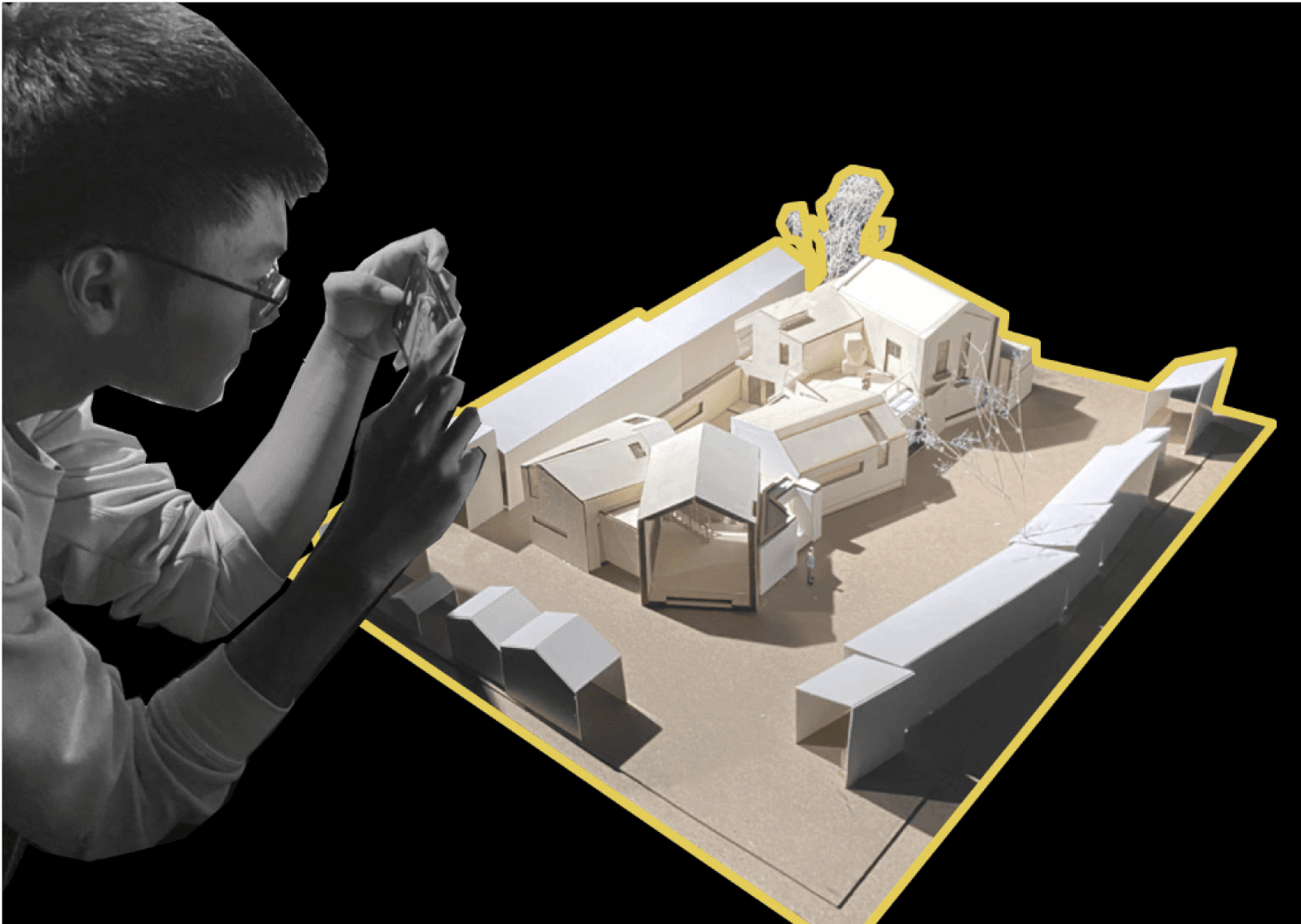
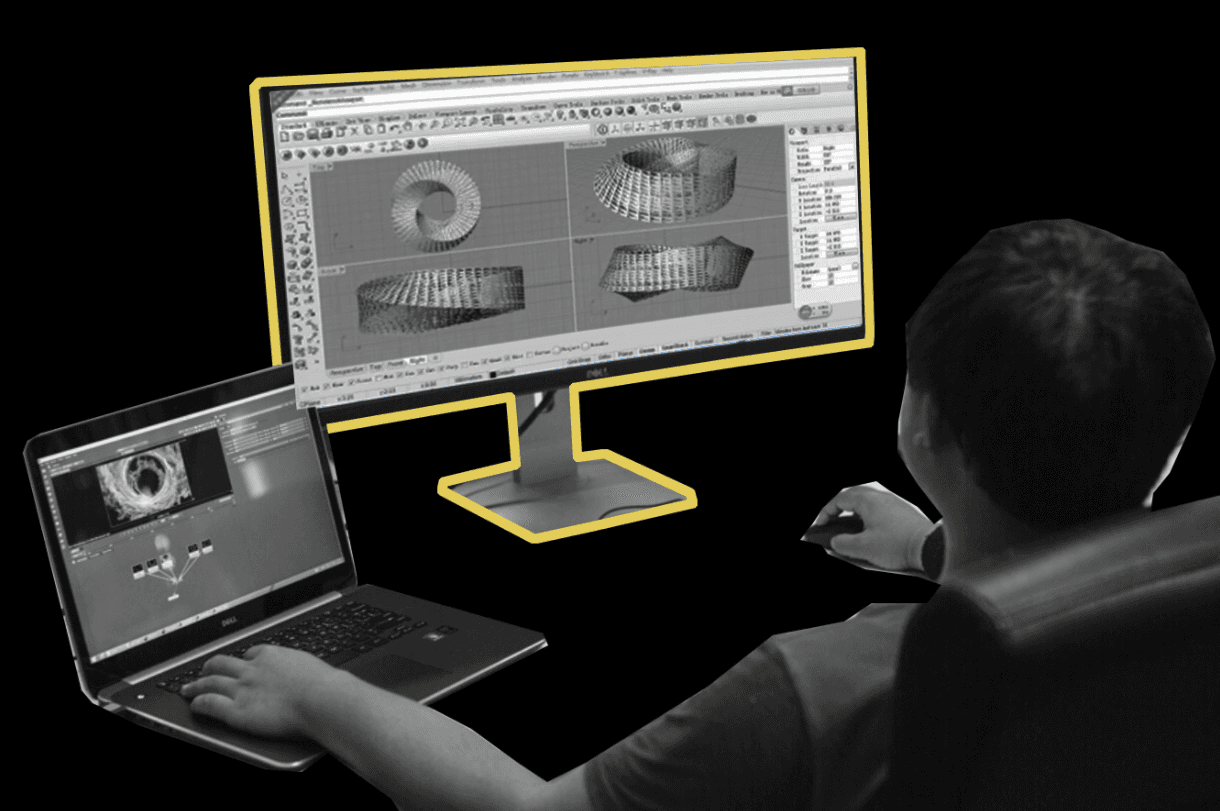
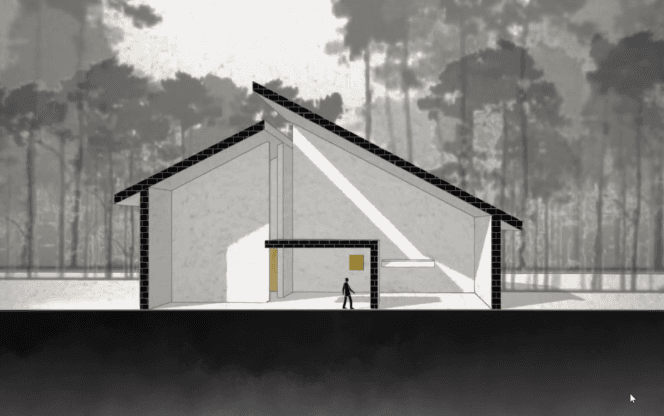
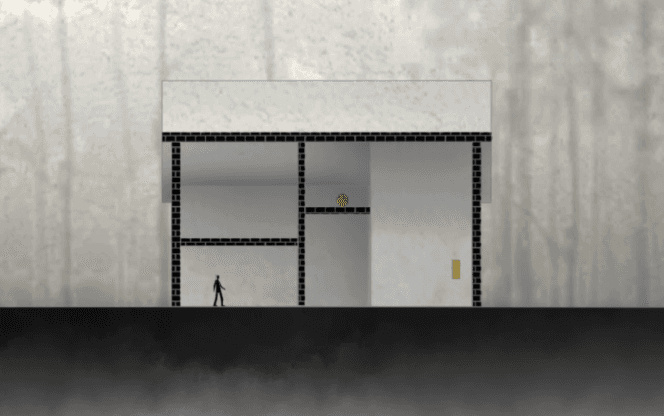
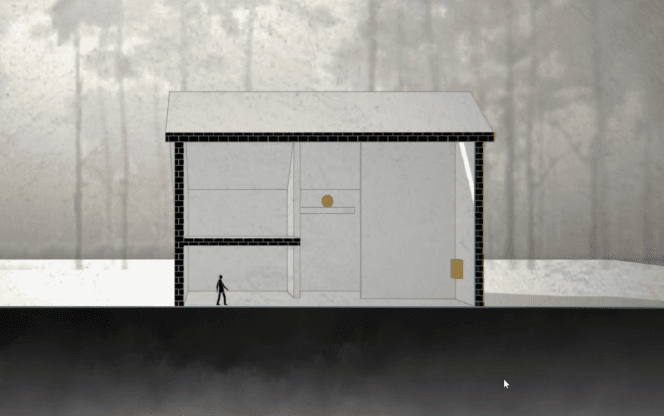
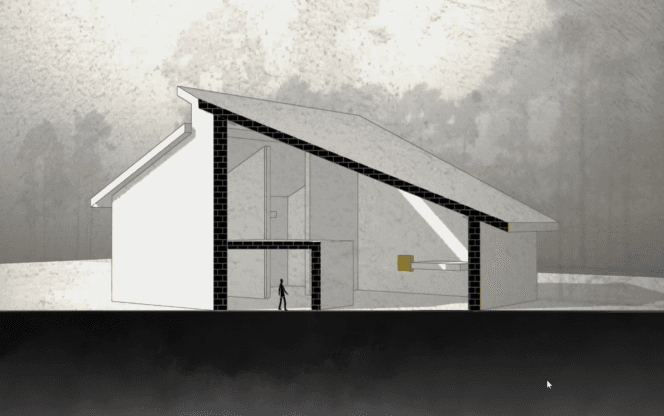
During architectural design and representation, two-dimensional planes such as floor plans and cross-sections are commonly utilized. Architects need to imagine three-dimensional space based on 2D planar representations. Each dimension not only differs in direction but also emphasizes different aspects of the design. For instance, floor plans focus more on overall circulation, while cross-sections prioritize spatial experience.
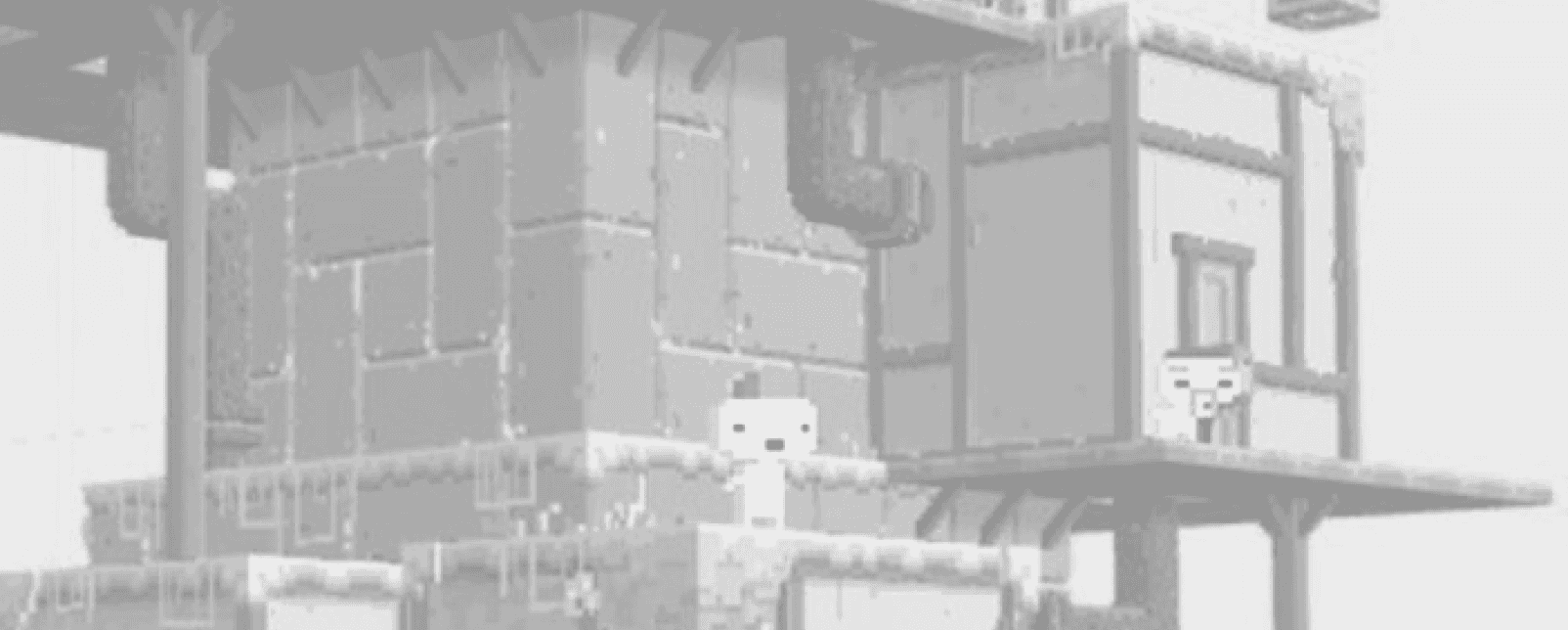
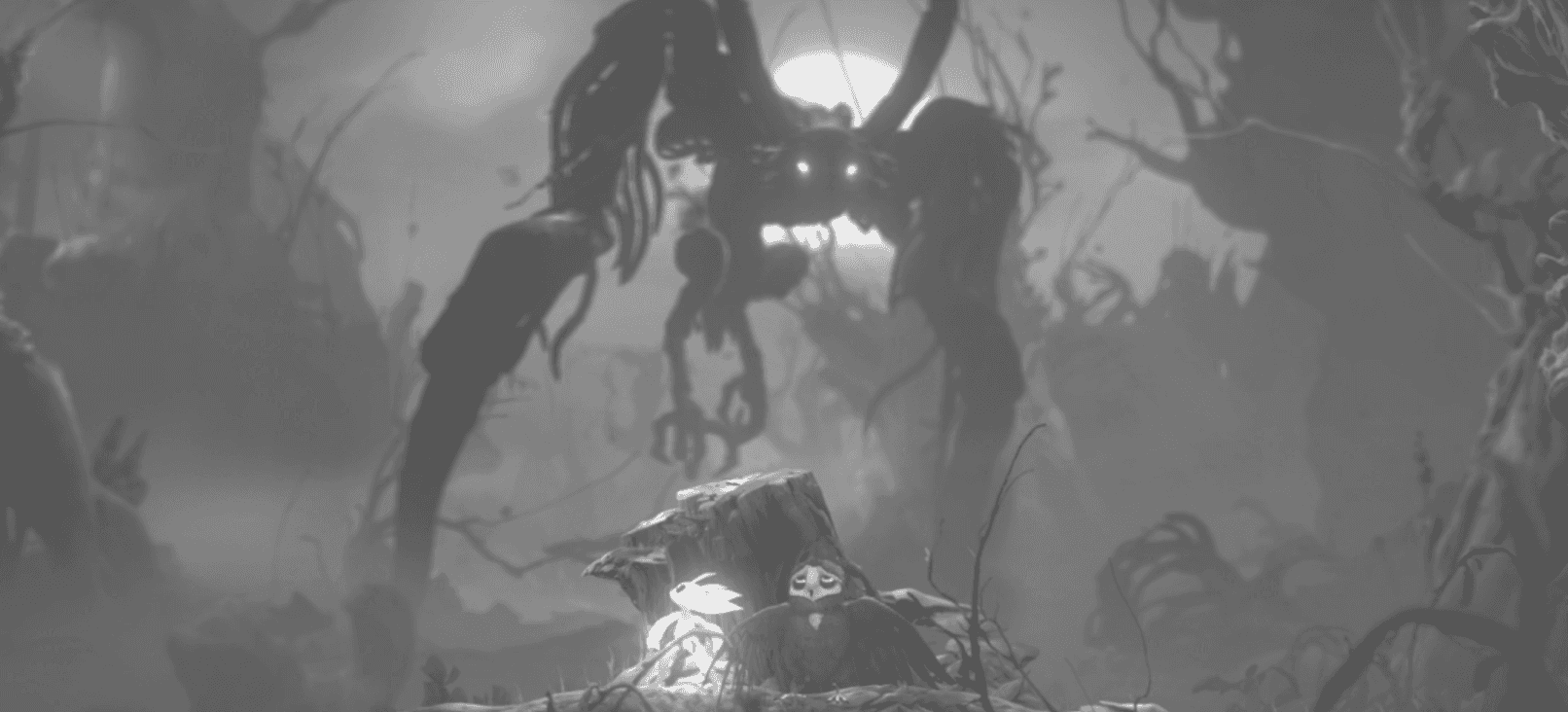
In many games, the immersive nature of 3D worlds captivates players. However, if the understanding of the world is flattened into three 2D perspectives akin to architectural design, players can switch between these viewpoints while exploring the game world. Each perspective offers a unique understand-ing of the world, and by leveraging this, players can progress through the game.
Inspiration
Architecture
Architecture background
Experience transformed
Game
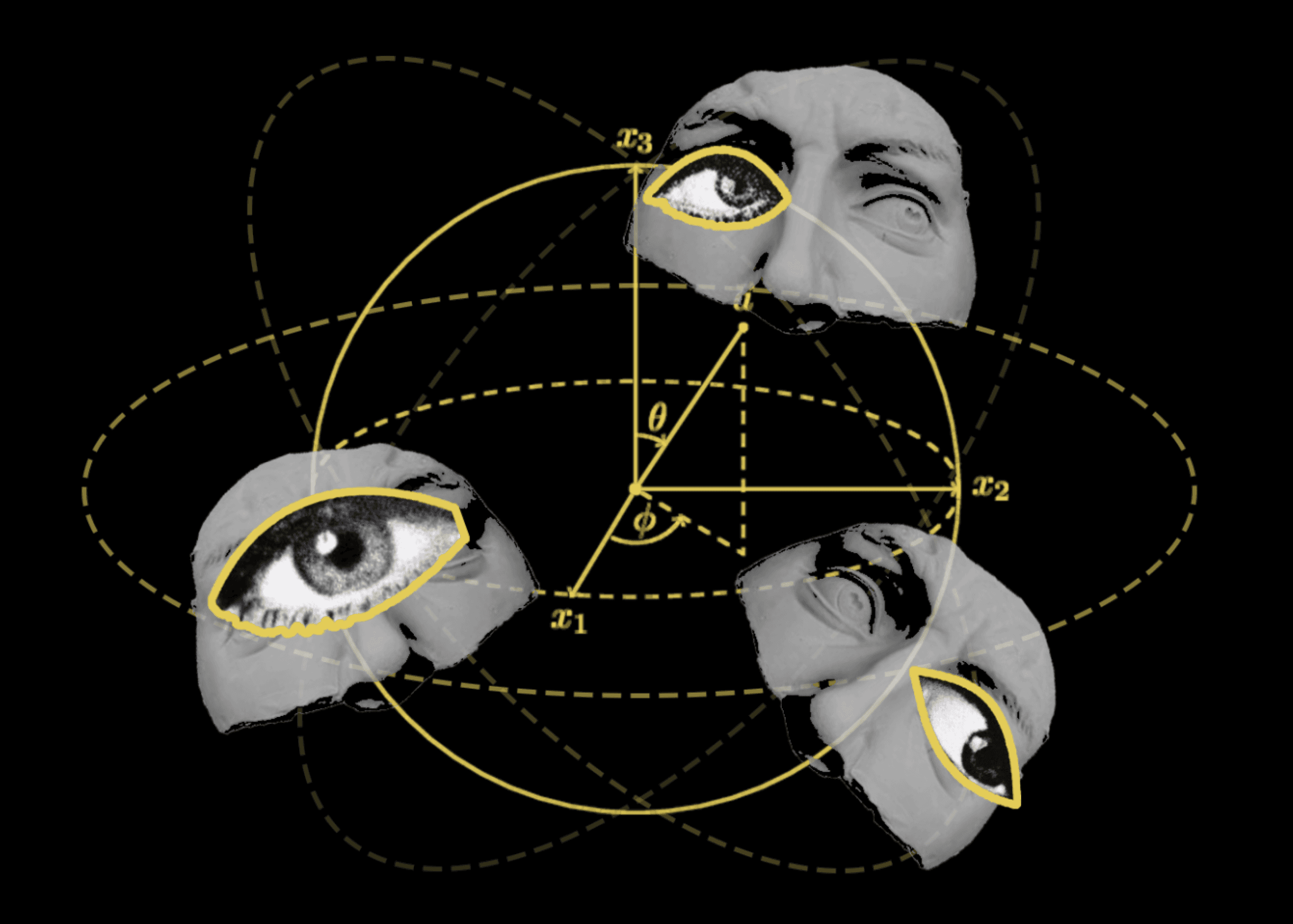
Based on the inspiration from architectural design, the protagonist is set as an architect who embodies the 2D figures from their own blueprints, trapped within their own 2D plane, struggling to gain a comprehensive understanding of the world.
In the architect's blueprints, the 2D figures serve as decorations and tools to showcase building functionality and space. The player, embodying one of these 2D figures, is constrained by dimensions. When unable to find a way out, they accidentally discover that they are actually within a 3D drafting software on a computer. Then the architect learn to view the world from different perspectives and utilize the distinct features of the three views to explore the outside world.
In this puzzle game, the core experience and tenet is that, objects appear differently in each perspective. When there seems to be no way out, we can try switching perspectives, just as the famous French writer Marcel Proust said:
"The real voyage of discovery consists not in seeking new landscapes, but in having new eyes."
Concept & Core Expeirence
Concept and background story
Core experience
Main Machanics
I + II : Spatial Puzzle Game
Machanics I : View Switching
+
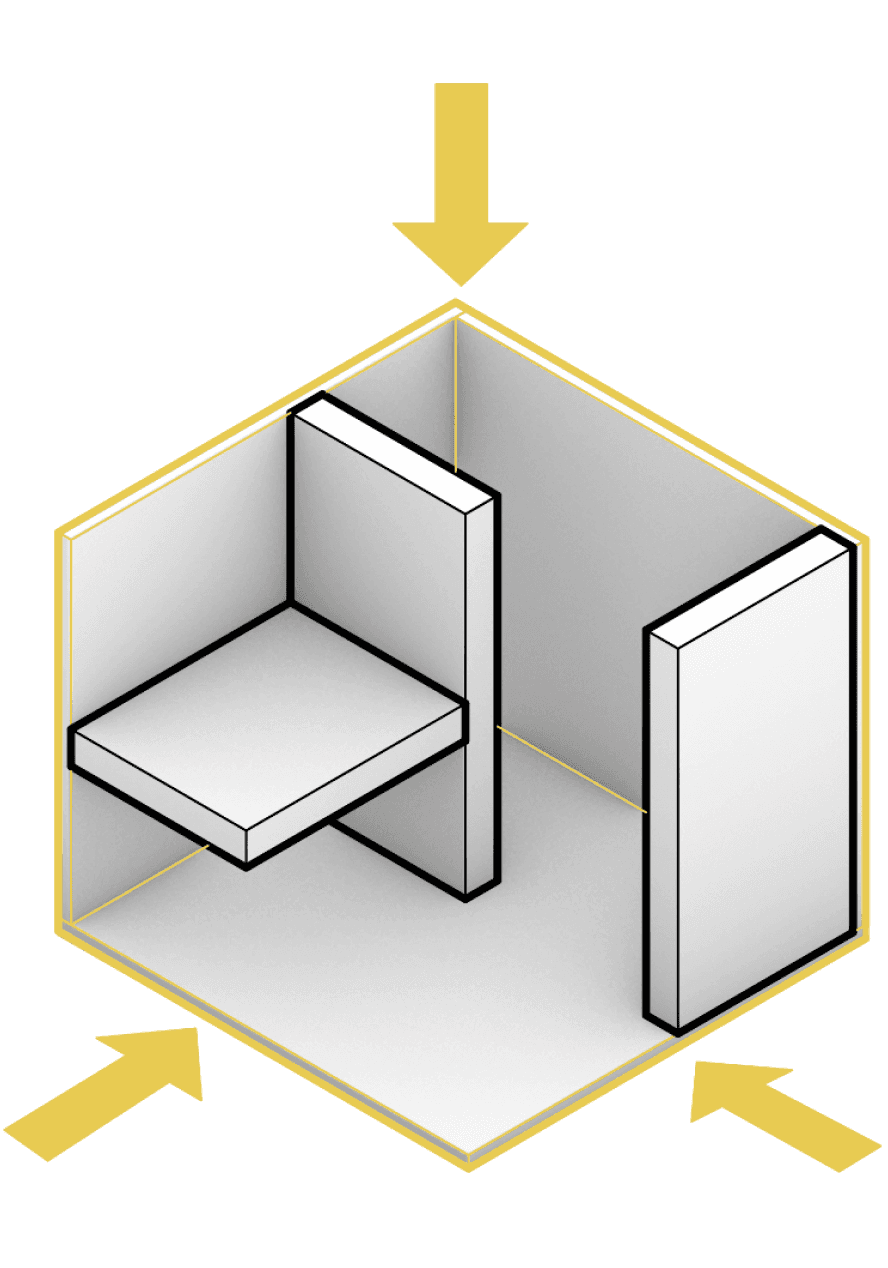
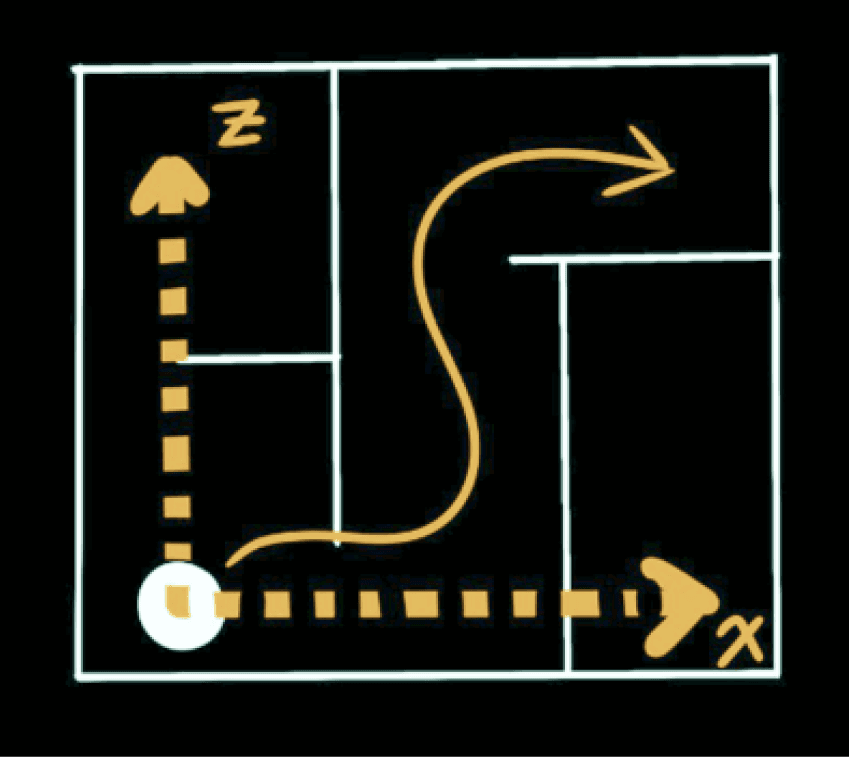
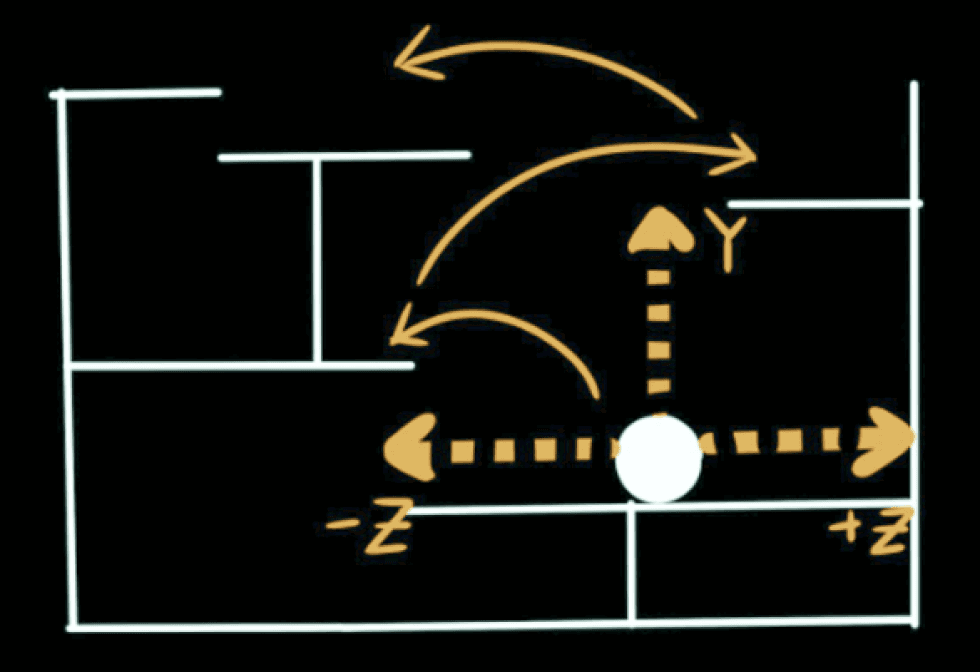
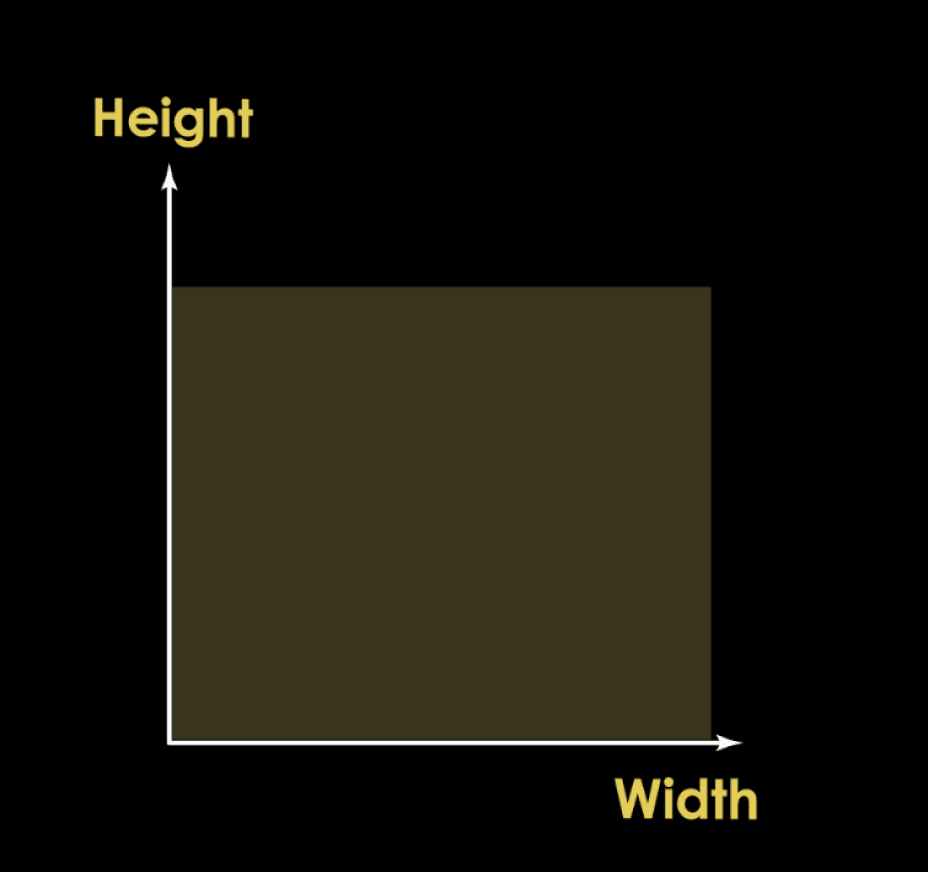
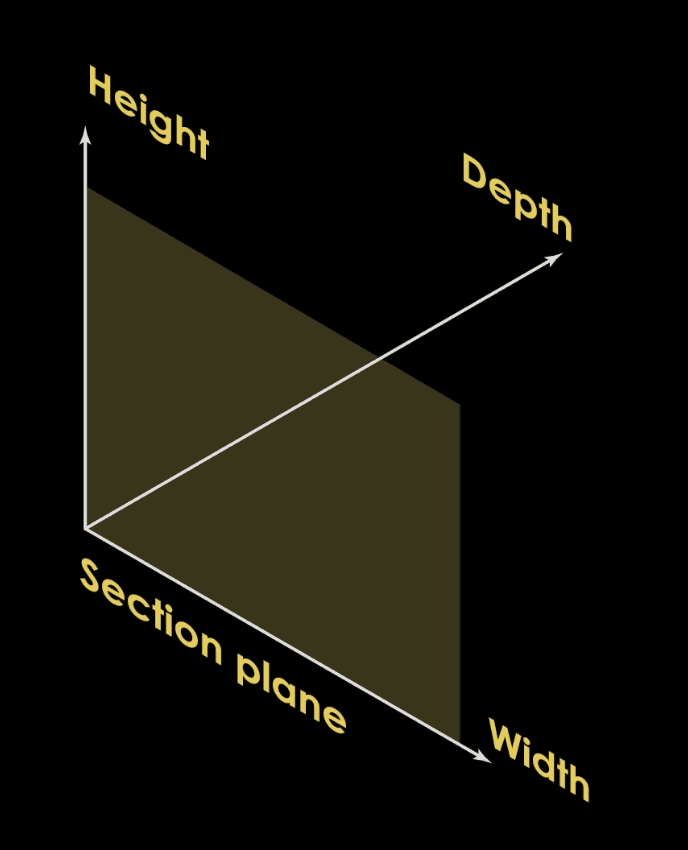
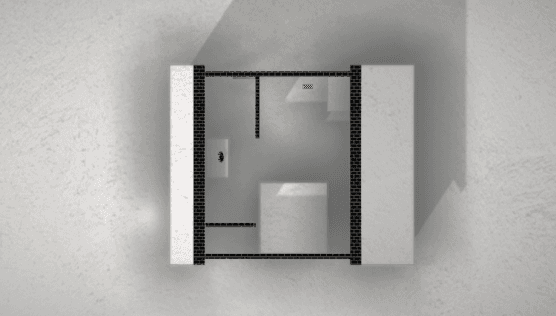
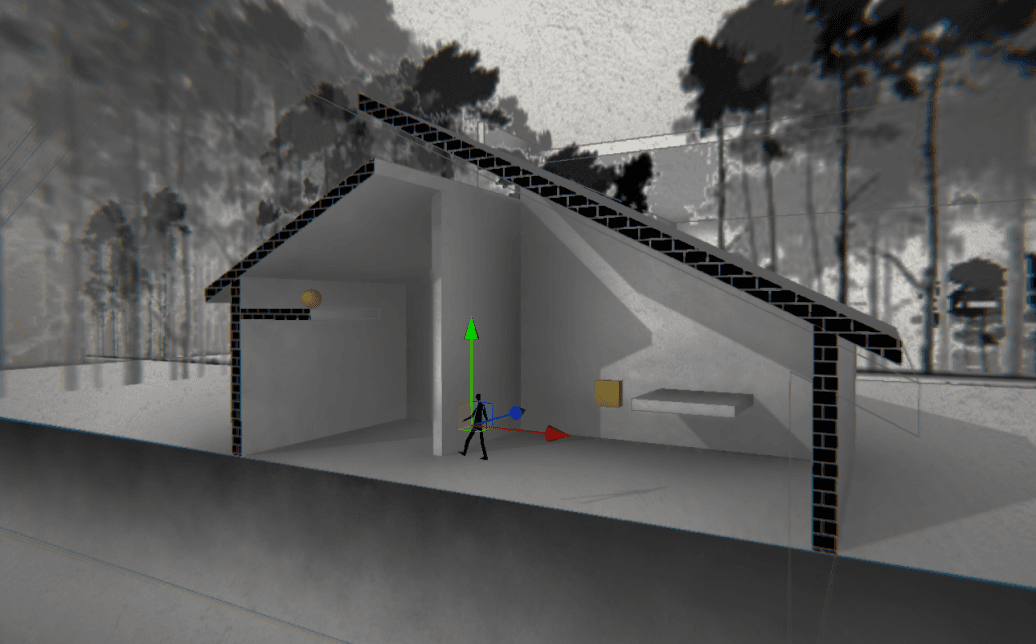
Players' actions are restricted within three two-dimensional spaces (top view, front view, right view), with the player's location serving as the plane of section, allowing for interchangeable perspectives.
Move in X and Z
Jumping not allowed
Player press ‘w’/’A’/’D’
to switch views
Top view
Move in X and Y
Jumping allowed
Front view
Move in Z and Y
Jumping allowed
Right view
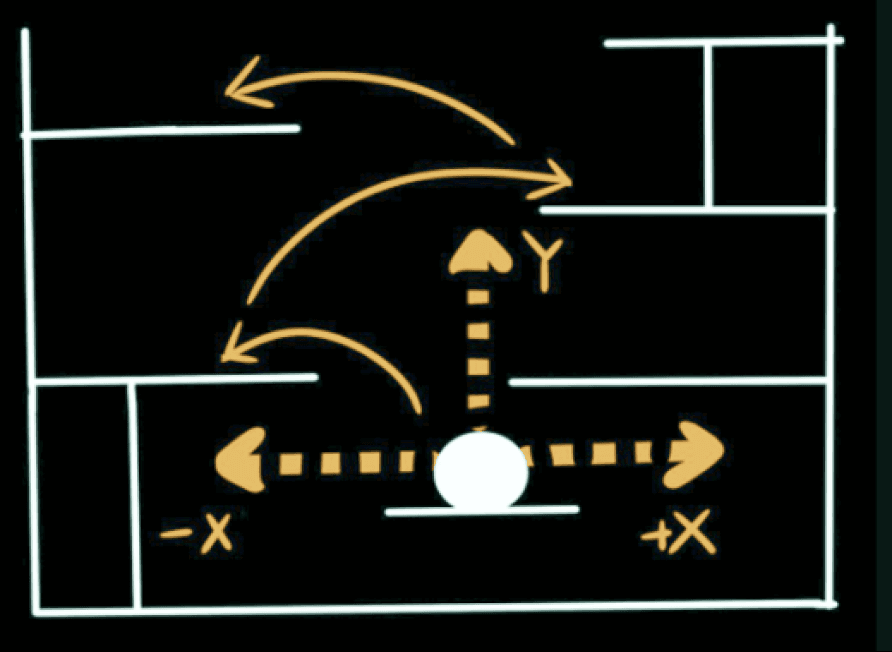
Real 3D space


=
Machanics II : Depth Illusion
Space collapse
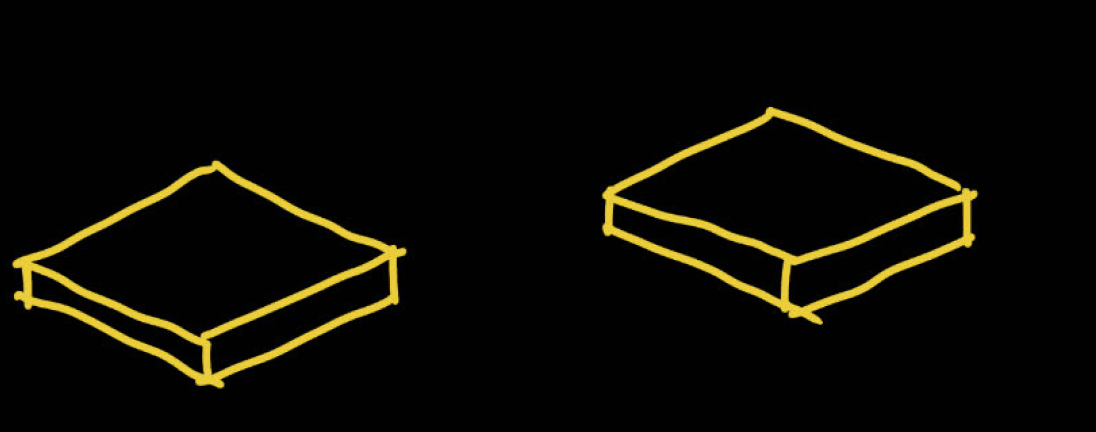
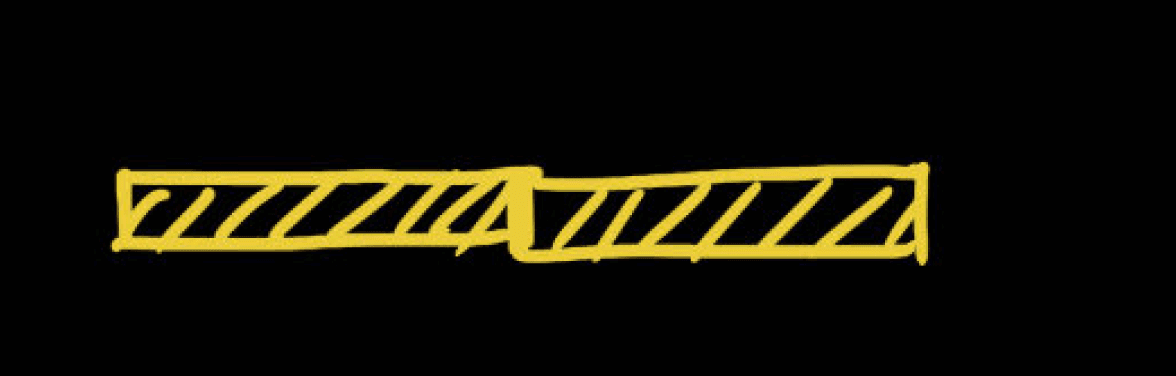
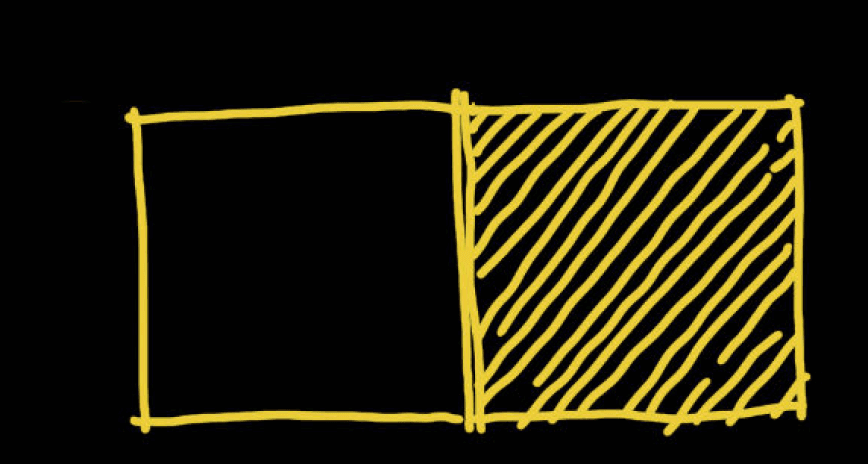
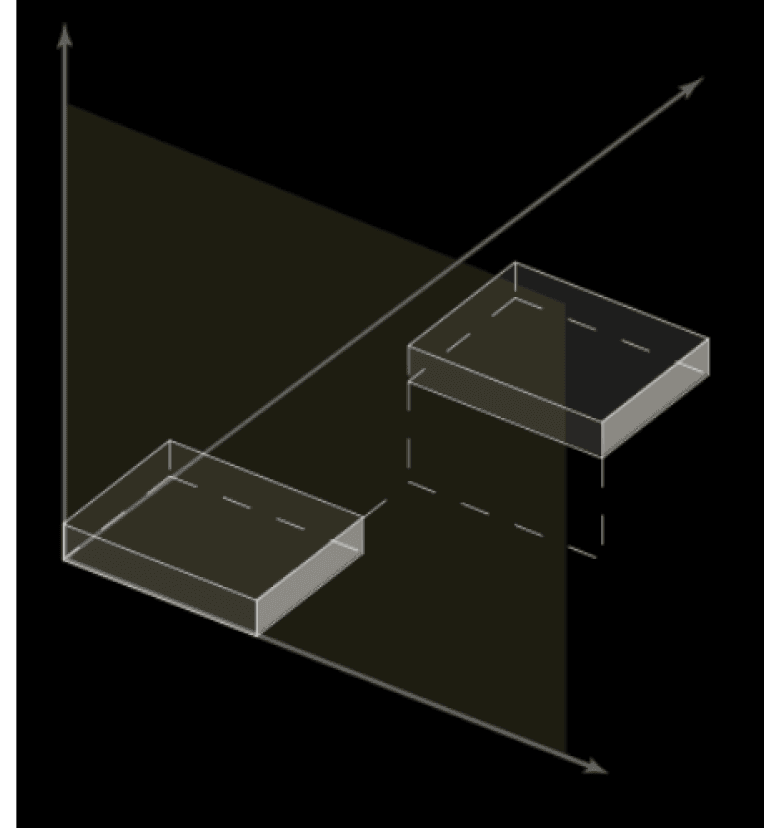
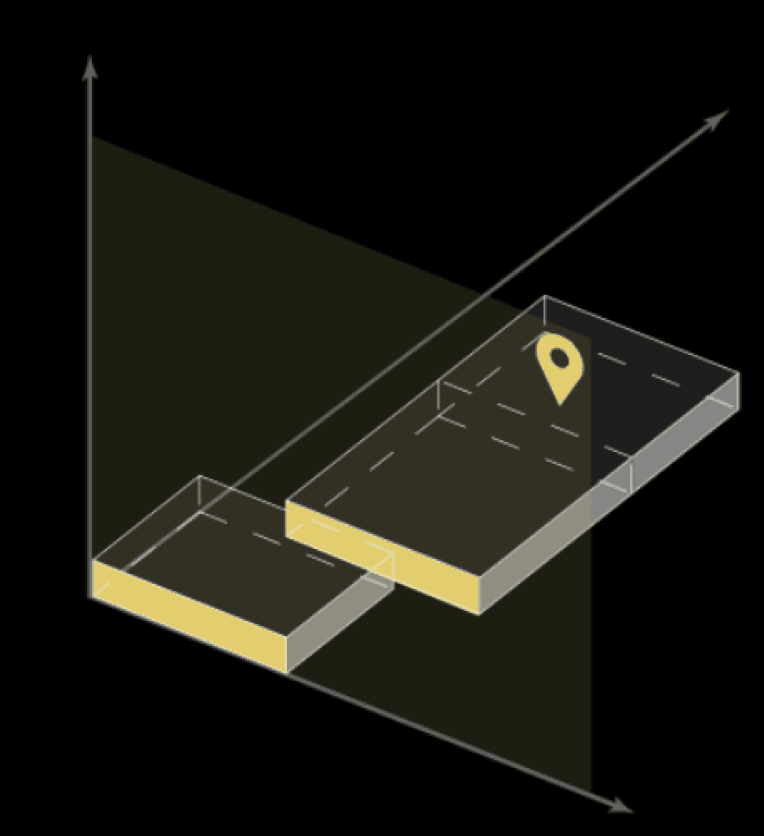
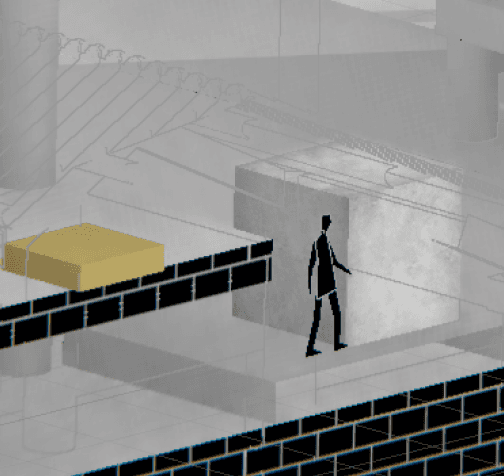
When the dimensionality reduces to 2D, the depth of objects is ignored, allowing players to utilize visual illusions of depth to solve certain puzzles.
In the direction where players look within the 2D plane, depth is disregarded as the 2D plane collapses together, creating a marvelous experience and diverse spatial perspectives.















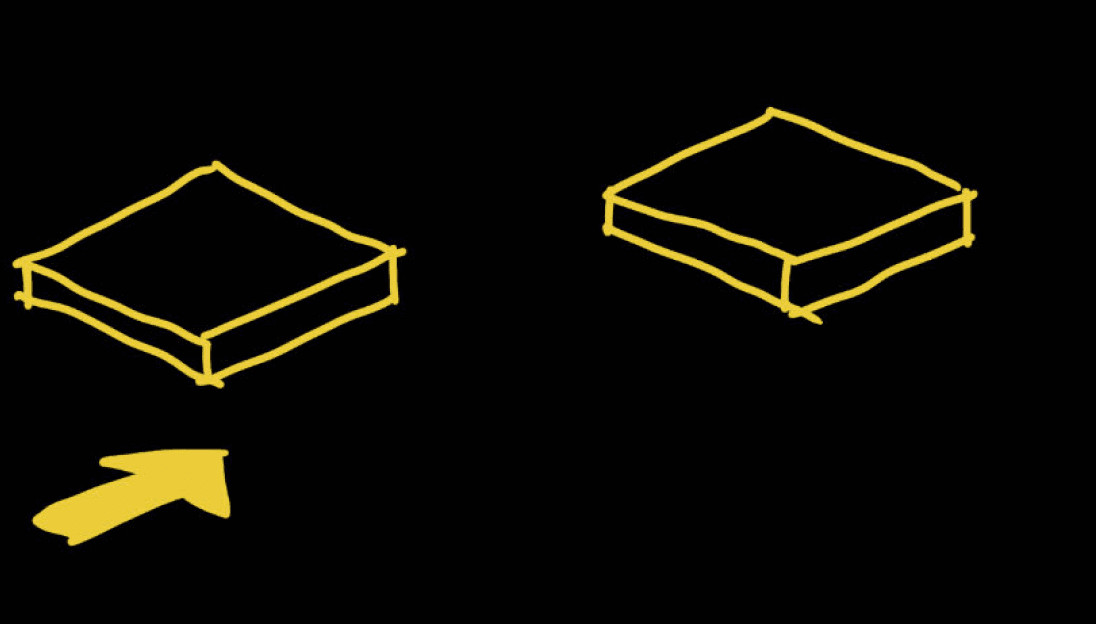





Also, players need to acquire all the keys to unlock the sealed doors and progress through the game. Various mechanisms and enemy AI from within the game add more complexity and abundance to the puzzle.
By utilizing visual illusions, players can reach places that would otherwise be inaccessible and complete tasks previously impossible to accomplish. This process requires players to think comprehensively about the spaces.
In Front or Right View
Examples:
?
In Top View
?






View Switching System: Cinemachine and Projection Matrix
Development
0s
0.4s
0.5s
0.6s
1s
orthographic to perspective
Cinemachone Brain Blend time : 1s
Orthographic: Front
Orthographic: Right
Perspective: Front
Perspective: Middle
Perspective: Right
Projection matrix blend time : 0.4s
Projection matrix blend time: 0.4s
perspective to orthographic
Transition
Virtual Cam 2
Virtual Cam 1
Cinemachine
Virtual Cameras
Camera Controls (Excerpt)
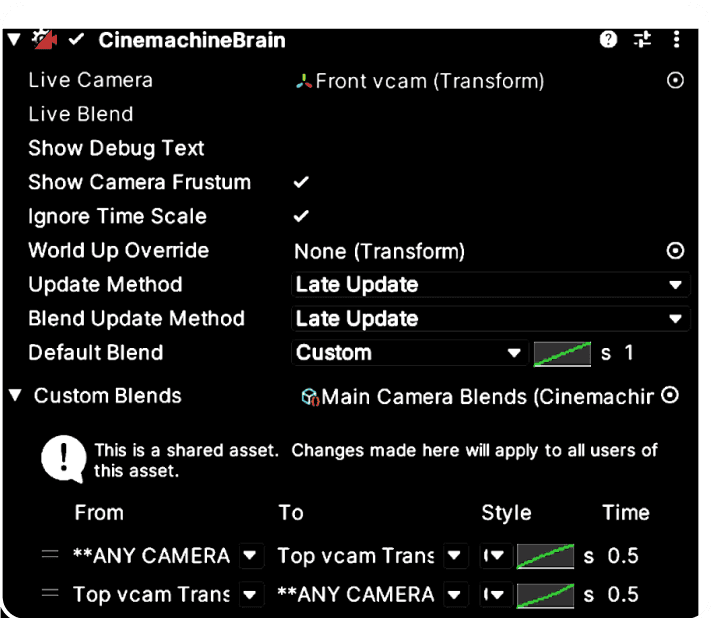
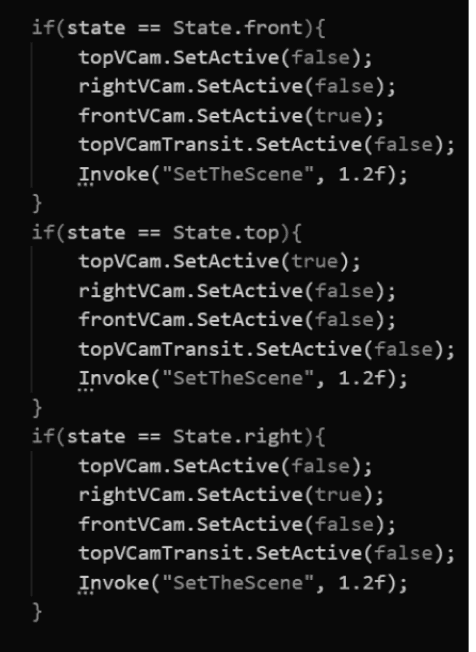
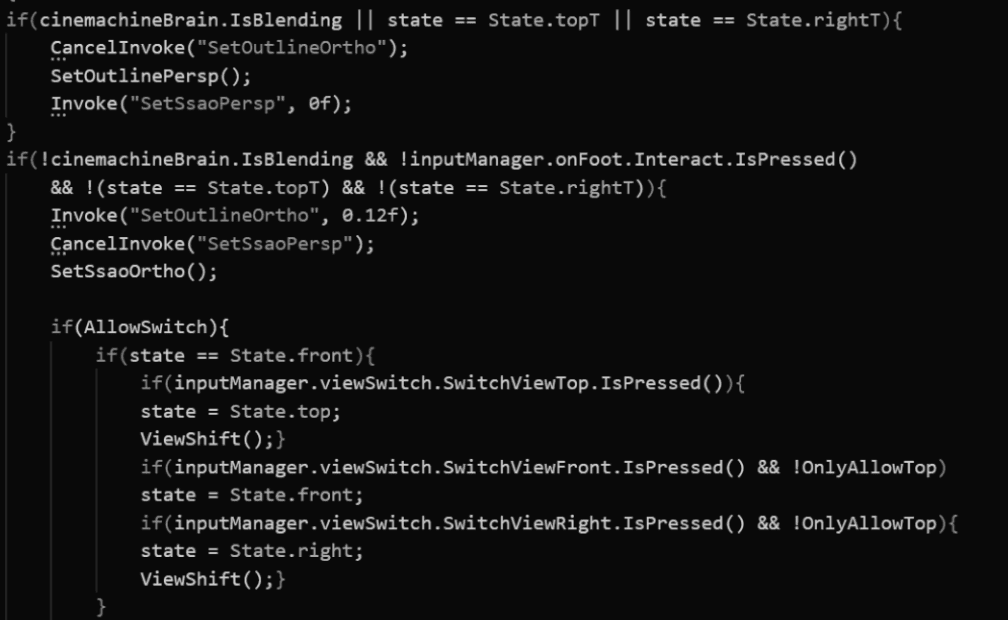
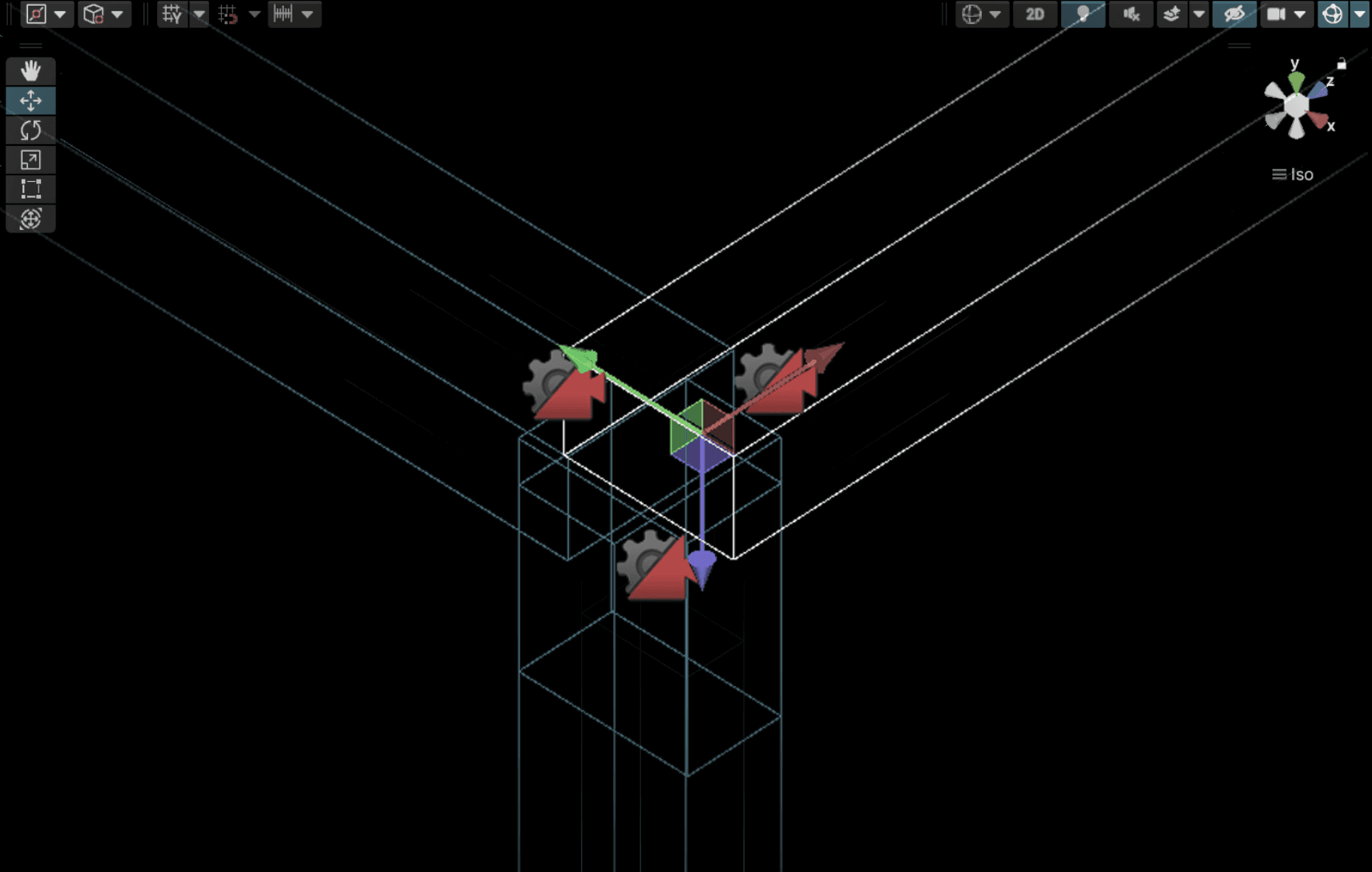
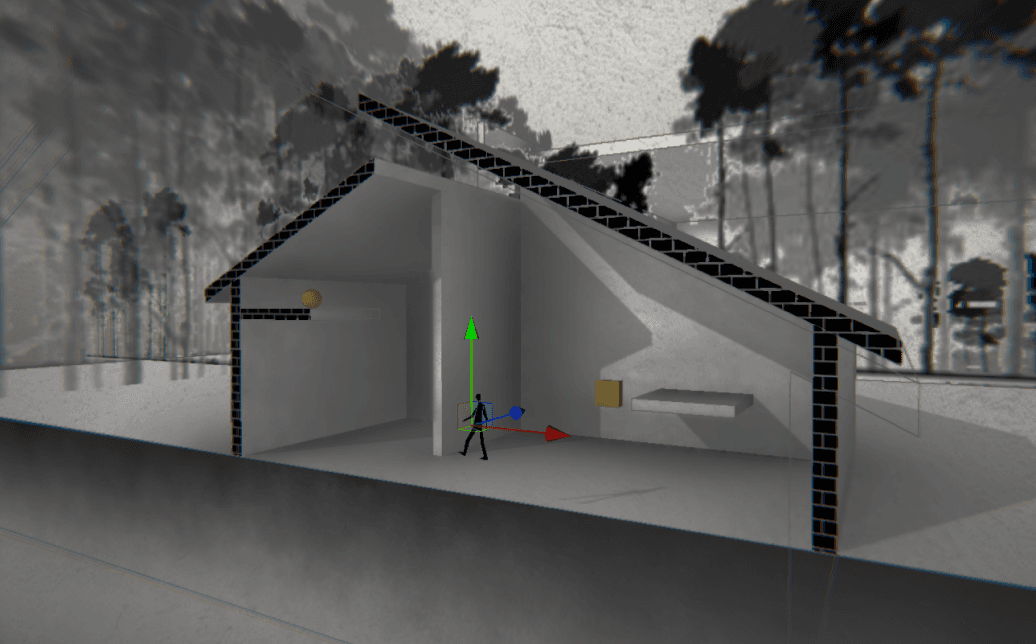
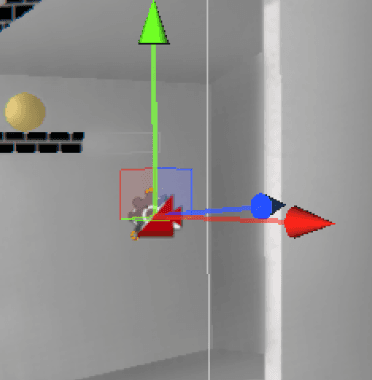
Utilizing cinemachine in unity and four virtual cameras (with an additional one for transitioning between the right view and the top view), to facilitate perspective switching. During the camera transitions, blending of projection matrices is also applied, as to blend the transition between orthographic and perspective projection, and vice versa.
Right virtual cam
Front virtual cam
Front virtual cam
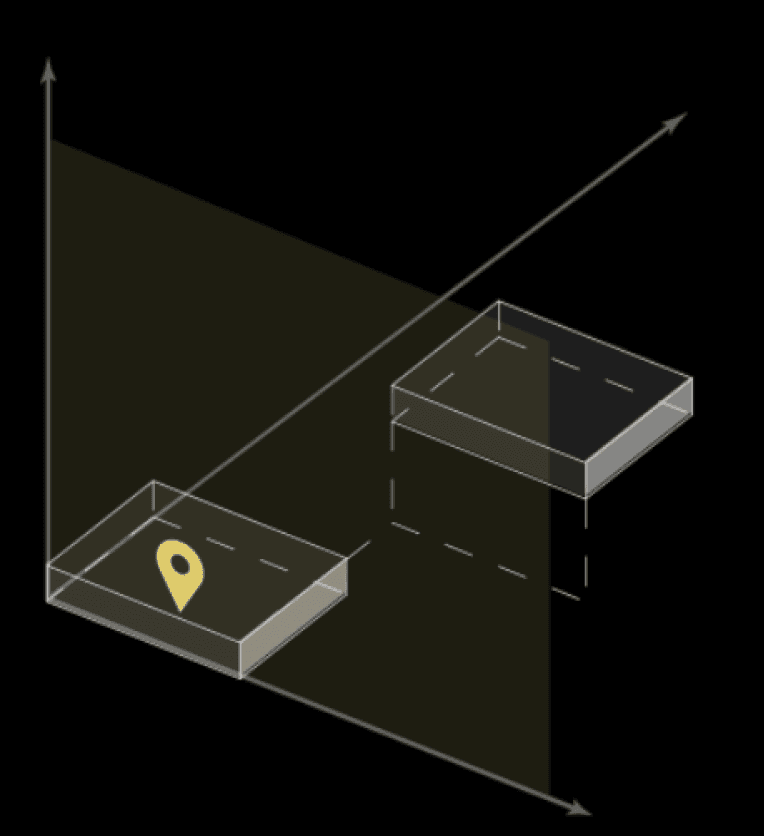
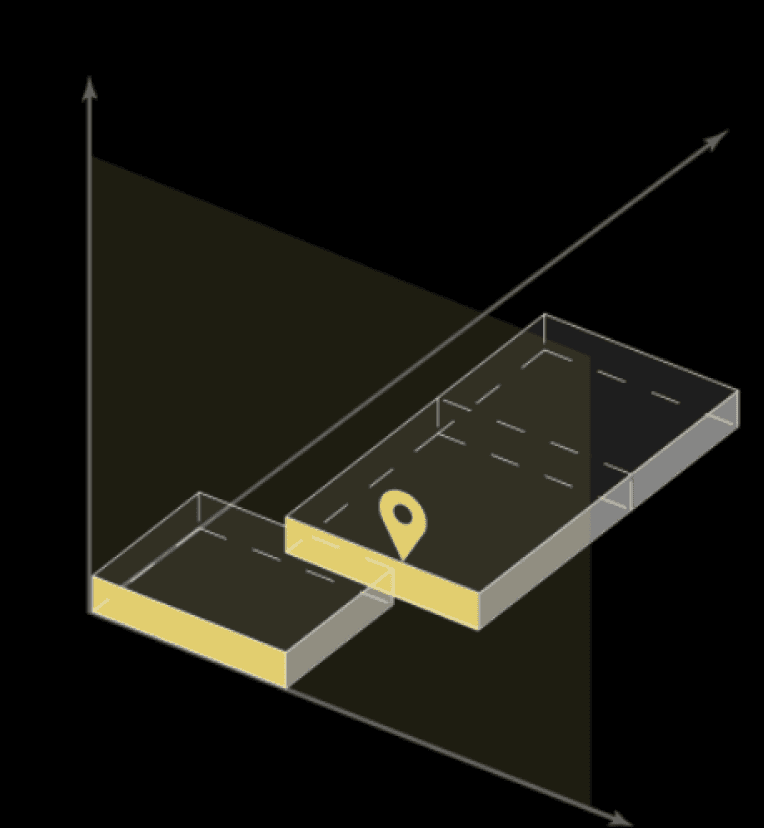
Depth Illusion System: Base Illusion Machanics

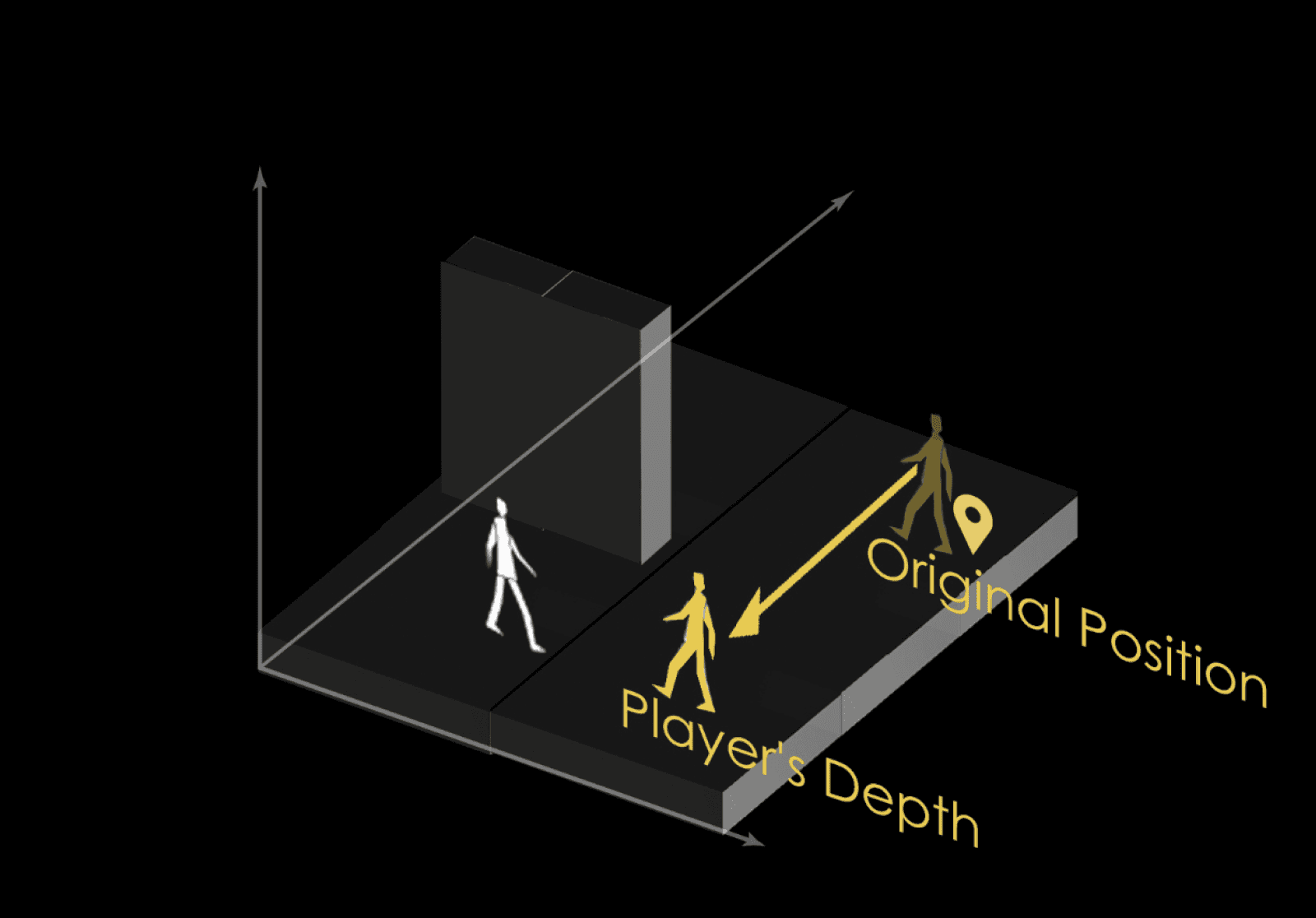
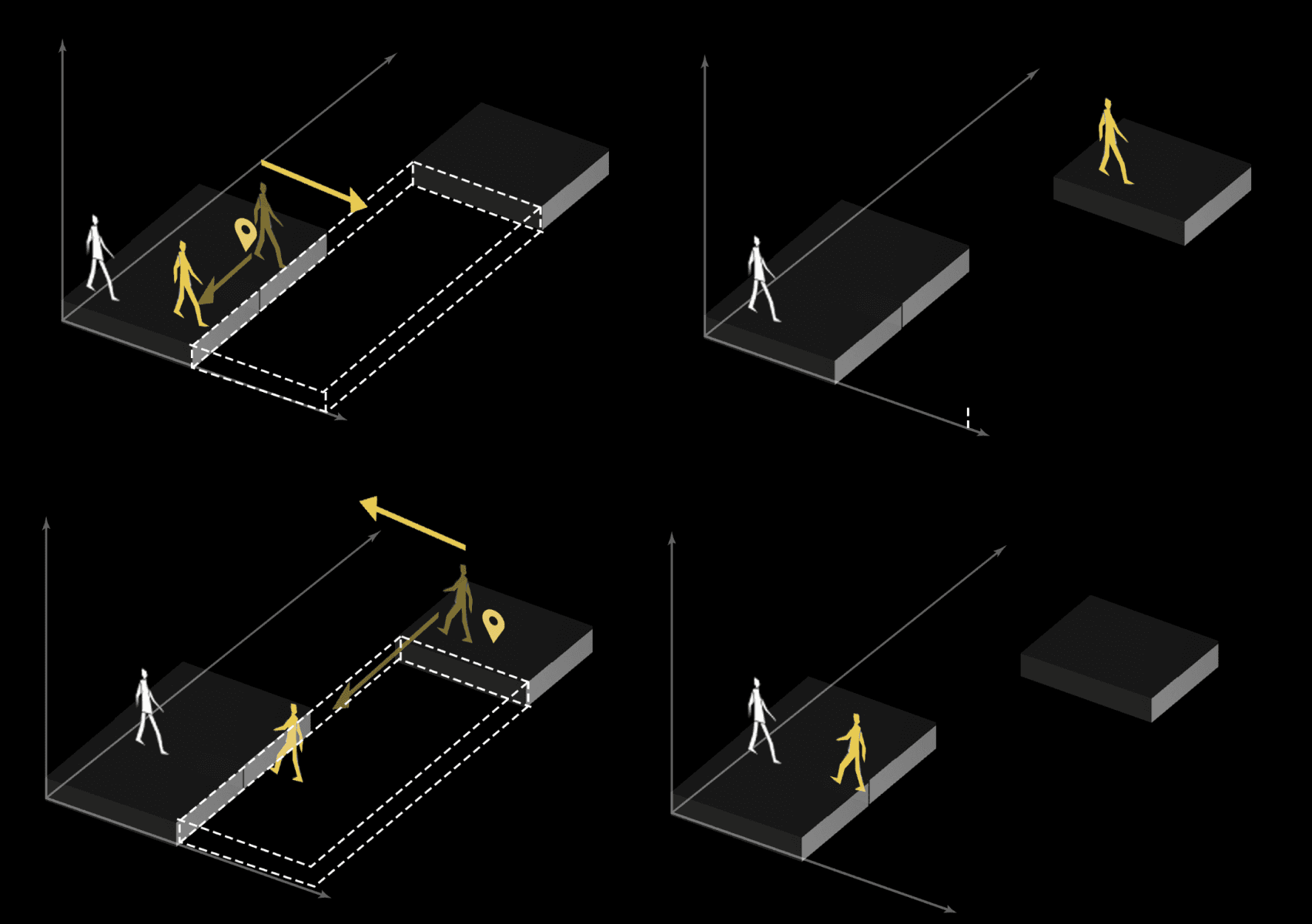
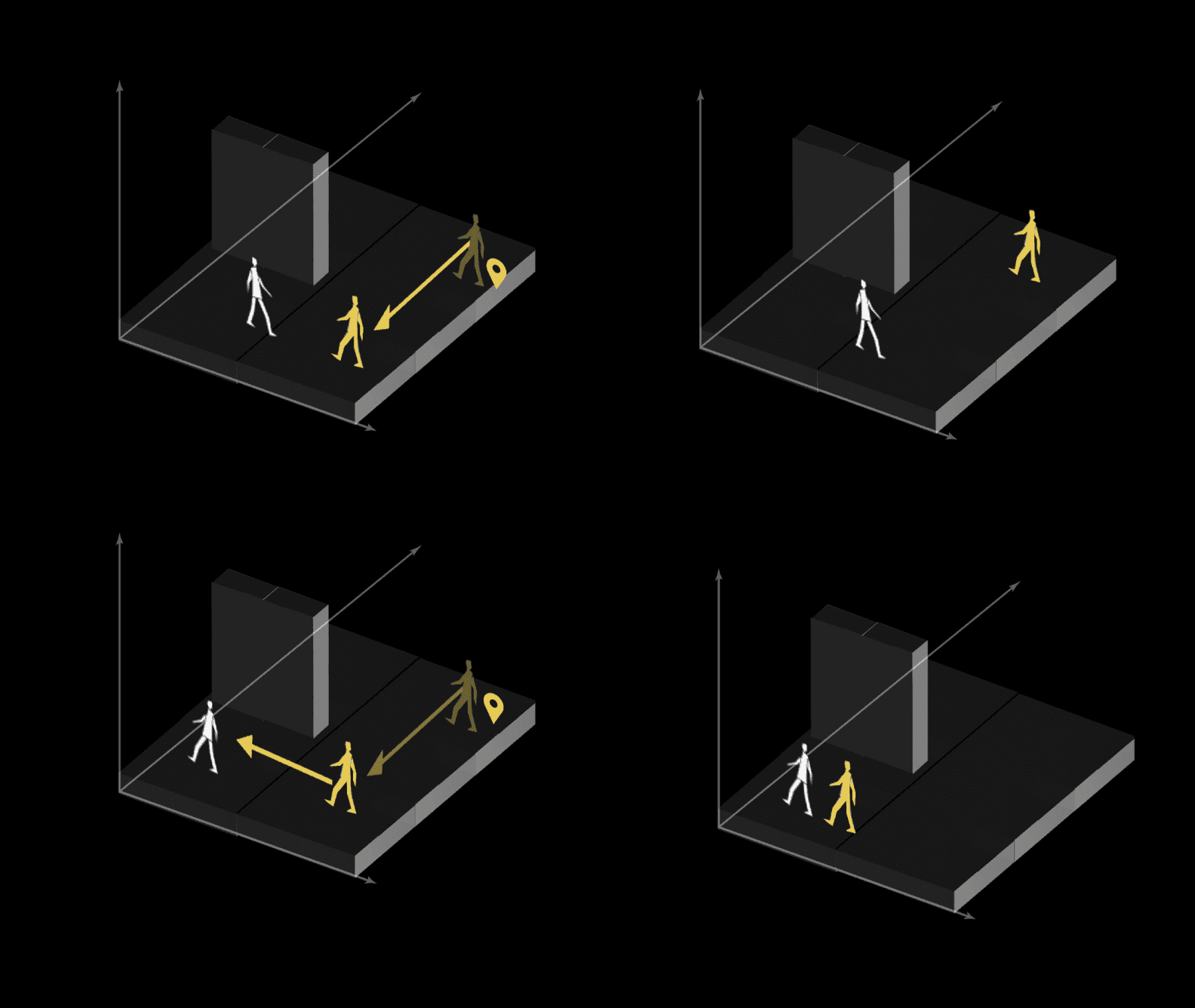
Step1: Search for player depth, calculate the extension
player depth
player depth
Upon switching to the
destination view
Objects and Components needed
Player interaction with depth illusion
Step2: Extend the object size and change position in 1D to the player depth
Depth Illusion Script
Main Camera Control Script
Walls & Floors
Camera

original depth
Upon switching away
Step3: Search for the object’s original depth, and calculate player’s new position
Viewport
Step1
Step2
Step3
Step4
Step4: Reset the size of the object and move the player to the new position

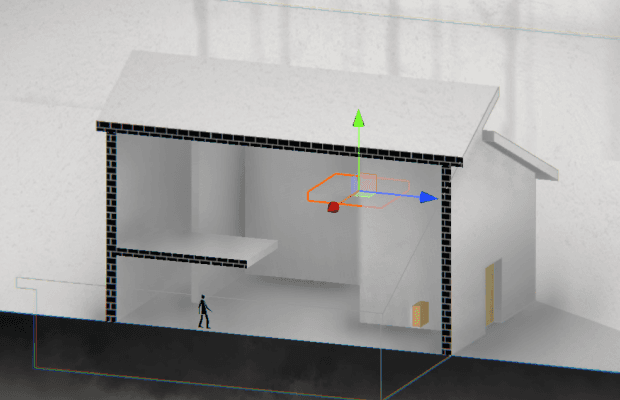
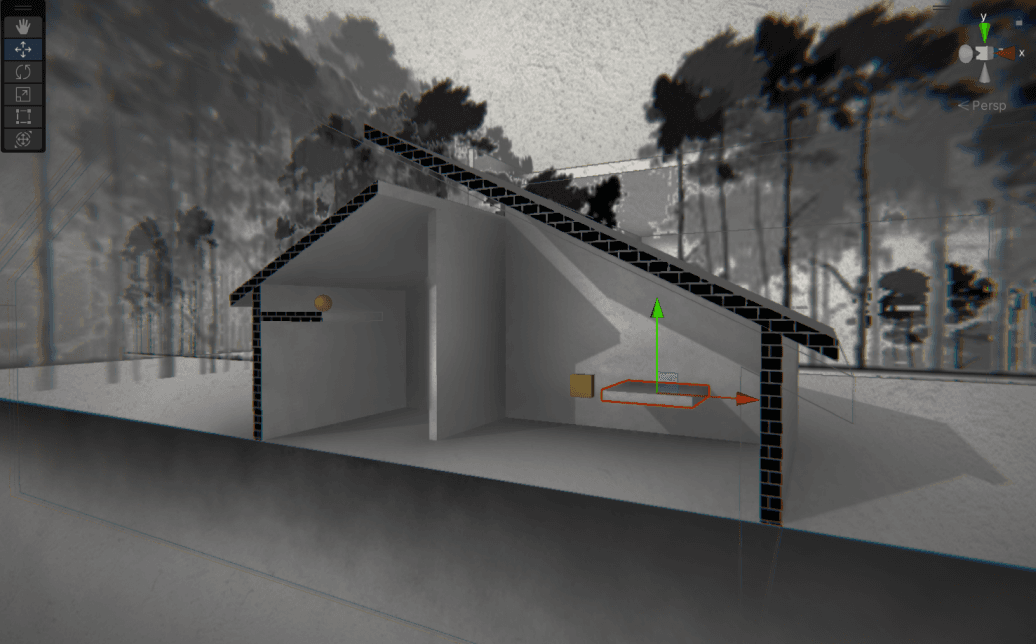
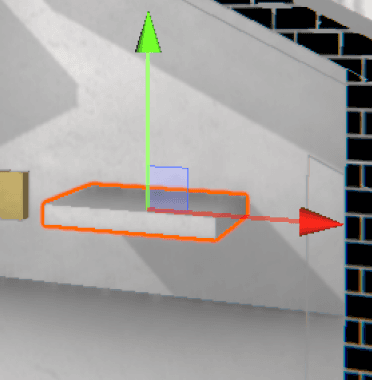

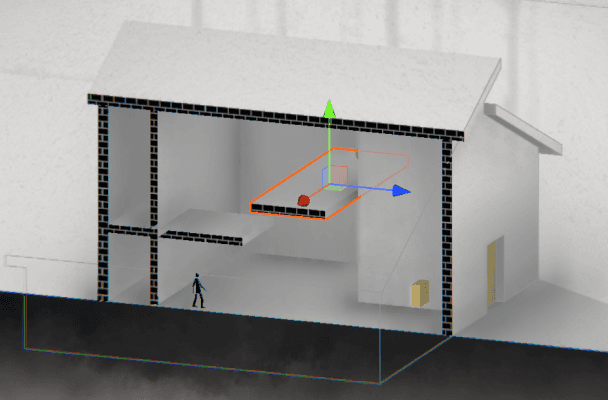
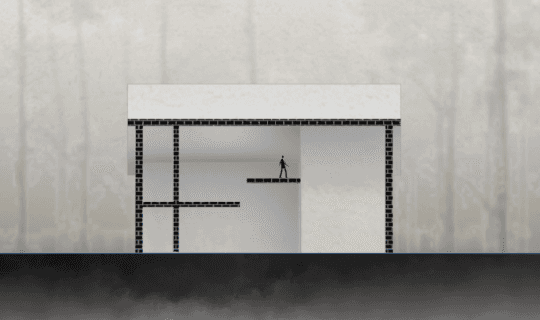
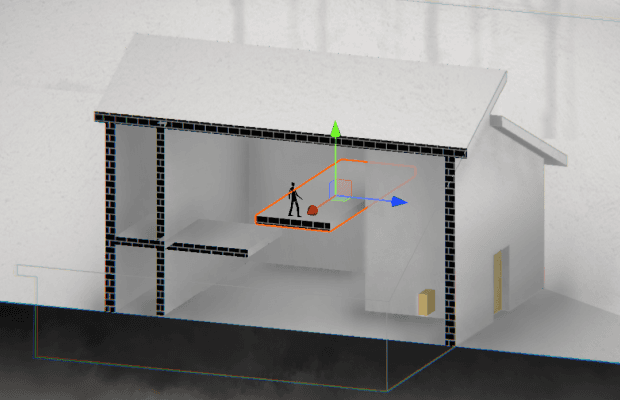
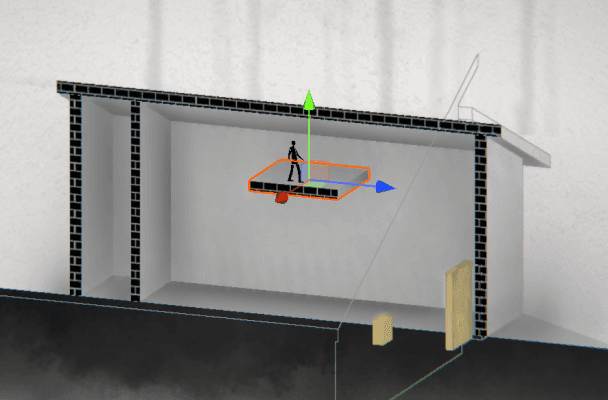
Depth Illusion Module in scripts
Players
(With Interactables, Enemies)
View Switching Script Controls
Depth Illusion Script Controls
Player/ Interactables/ Enemy (P/I/E) control
Camera Switch System
Depth Illusion System
Player / Interactable / Enemy Control
Depth Illusion: For Interactables and Enemies
Scripts structure and communication
Interactables: Movable box
Enemy
To supplement a full set of perspective illusions for both interactables and enemies brings unique experience in the depth illusion gameplay. The general machanism of depth illusion in interactables are the same. However, there are many special cases to consider, which makes it a lot harder to implement the machanics.
Creating the illusion of the box and the player being at the same depth using a collider that dynamically calculates its size.
Move enemies to the same depth when there's no obstruction and there are floors under. (Reset position when switching again)
With player to afar
Move with depth maintained
Move with depth maintained
Encountering occlusion
Encountering occlusion
From afar to player
From afar to player
From player to afar
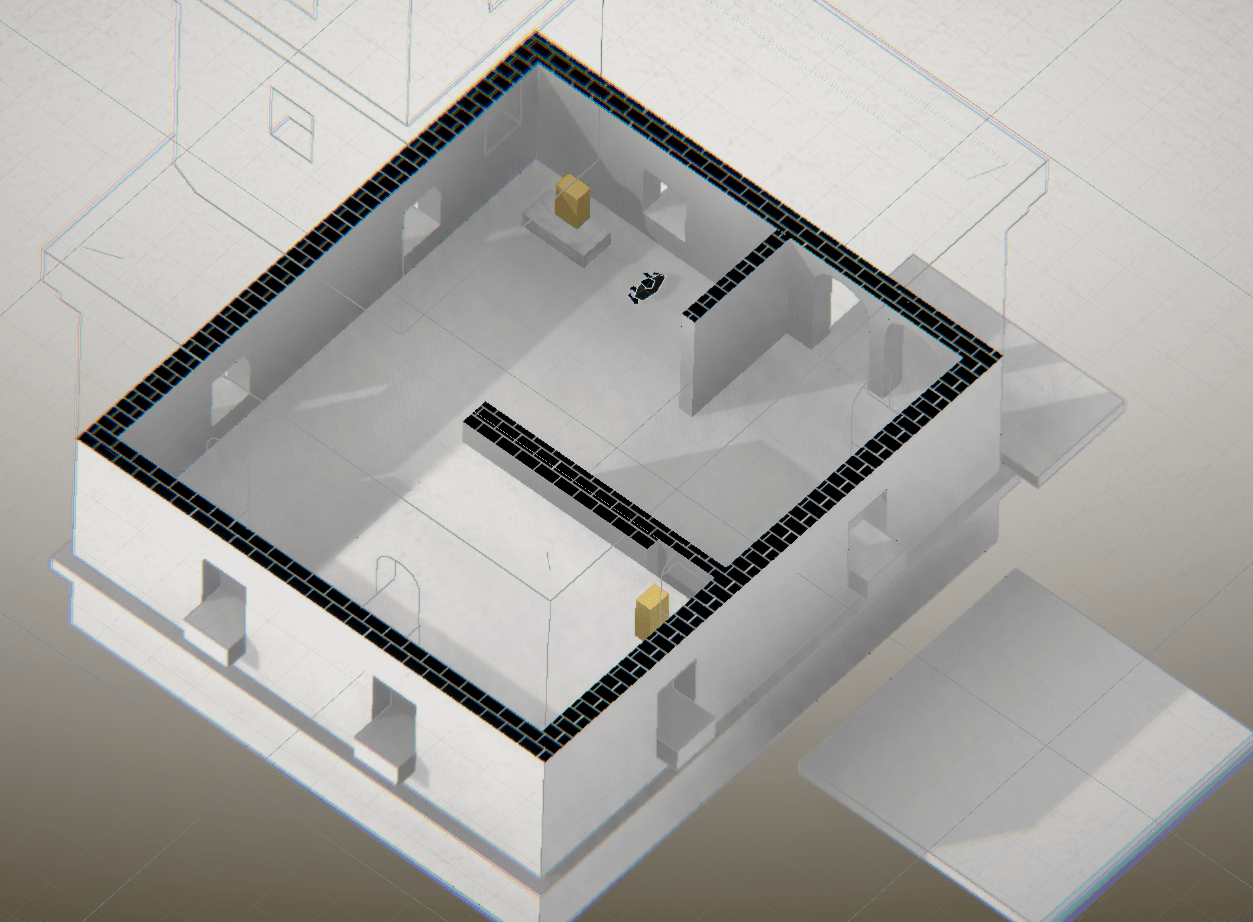
Depth Illusion: Top View Depth Collapse
player height
player height
illusion height
trigger collider
trigger collider
illusion height
illusion height
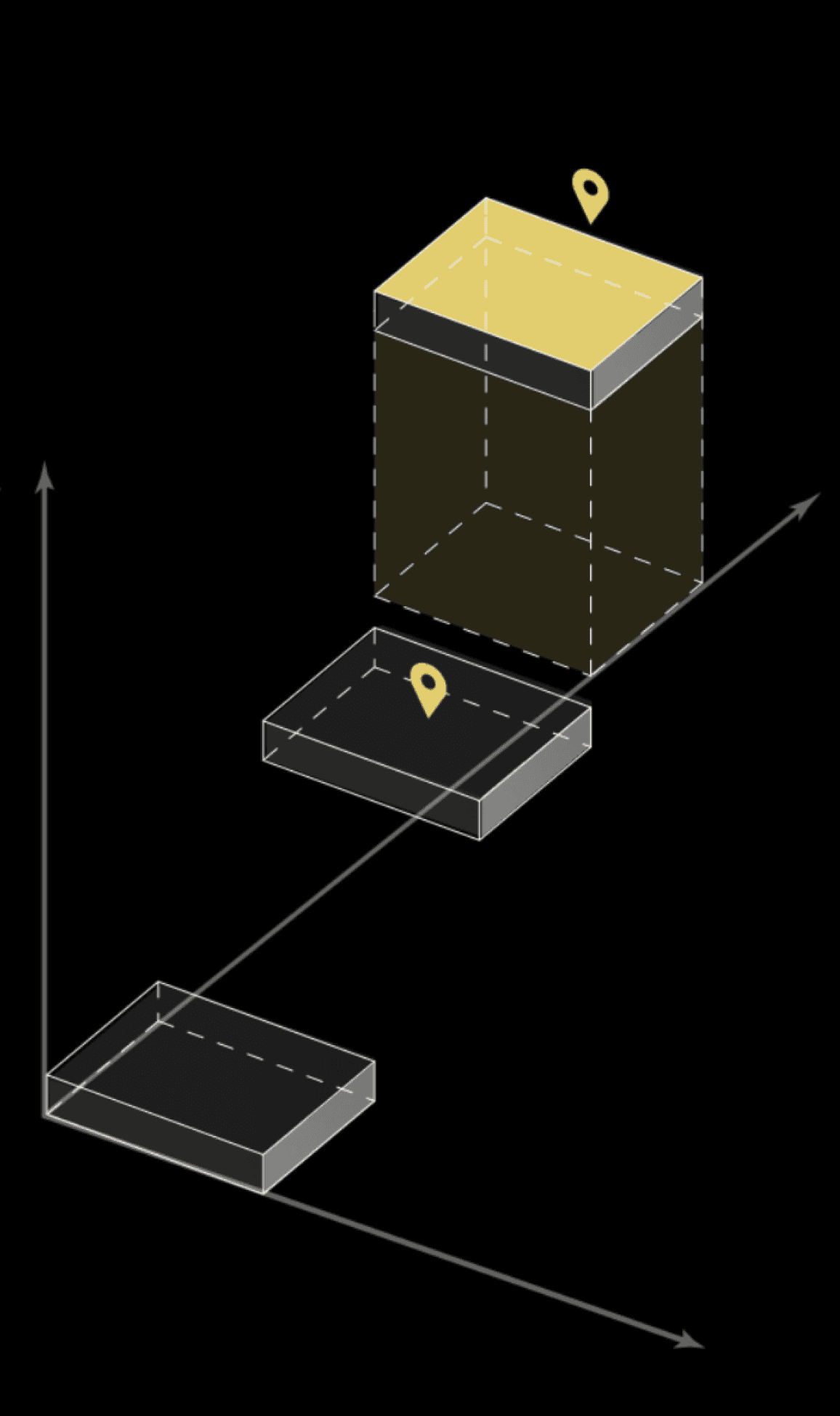
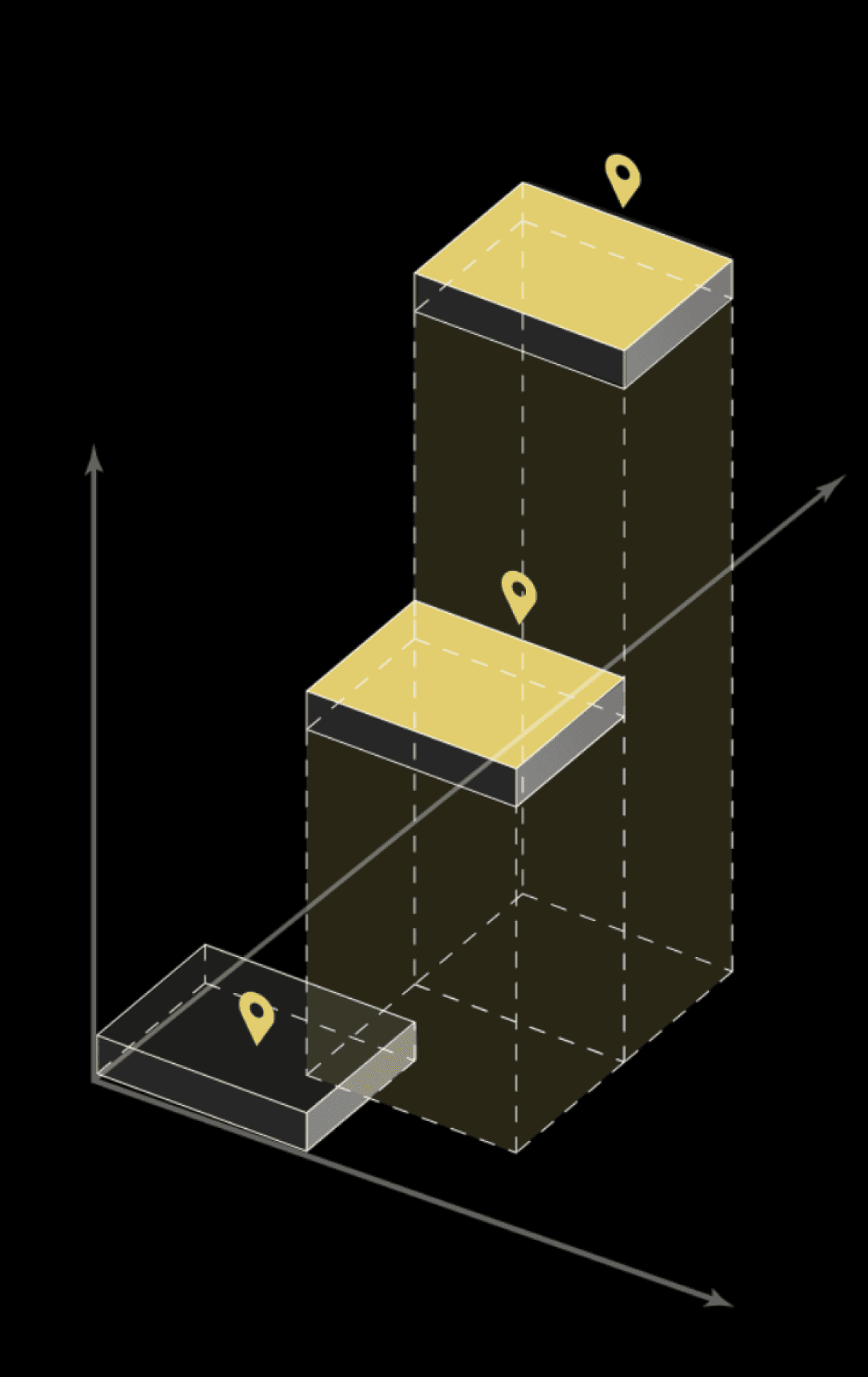
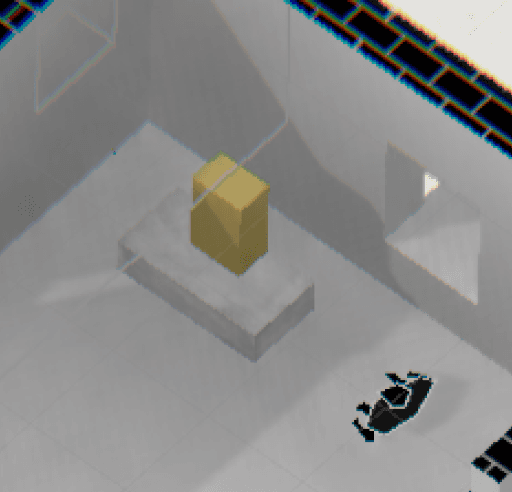
Step1: Every floor that is allowed for top depth illusion and is above player’s view heigh generate a trigger collider that reaches down to the player height
Step2: Once the player enter the trigger, player is set to the illusion heigh that the illusion floor contains, the collider’s size is dynamic.
The top-view depth illusion is a relatively independent system. And It is only provided to the player under specific circumstances.
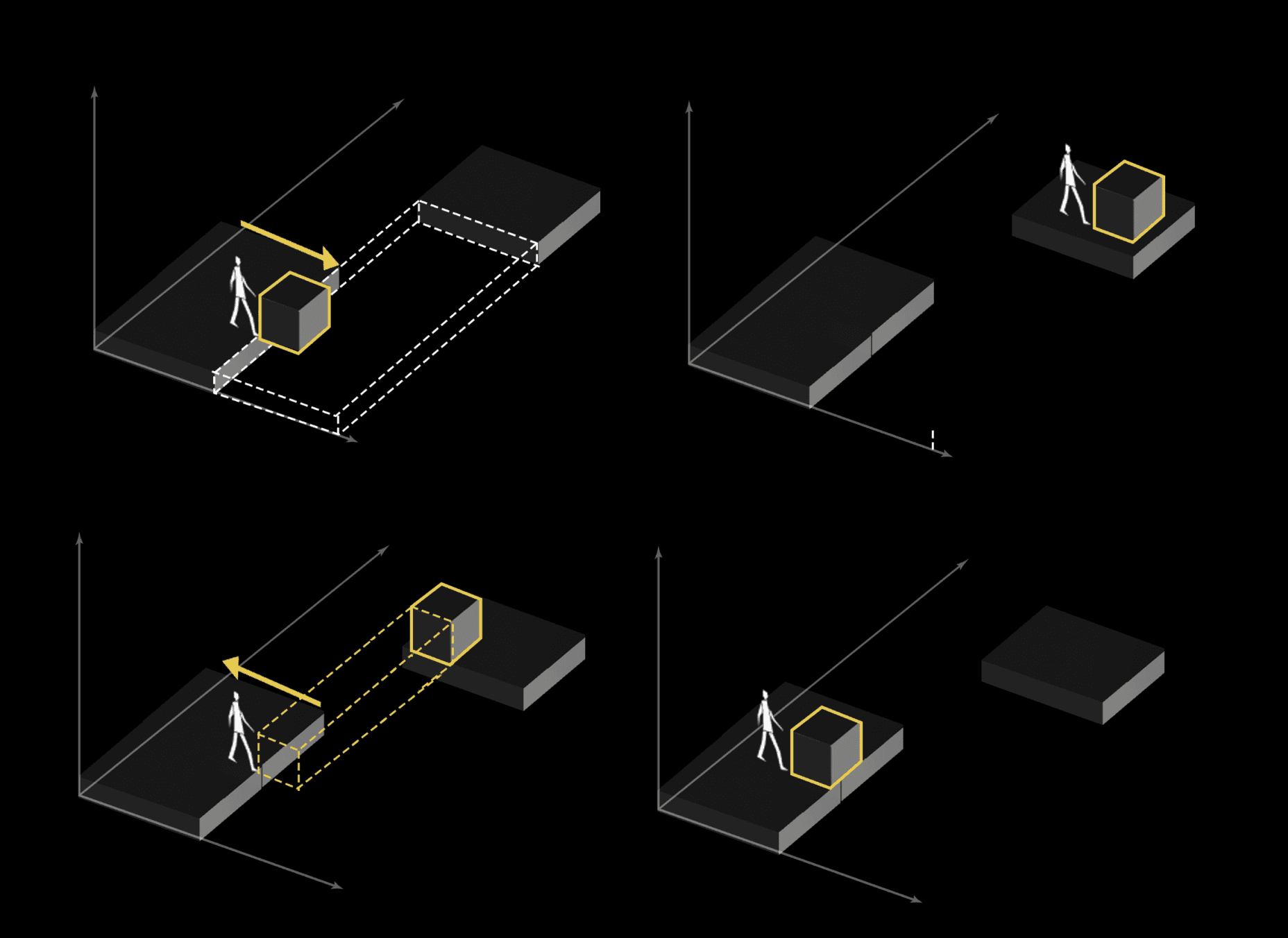
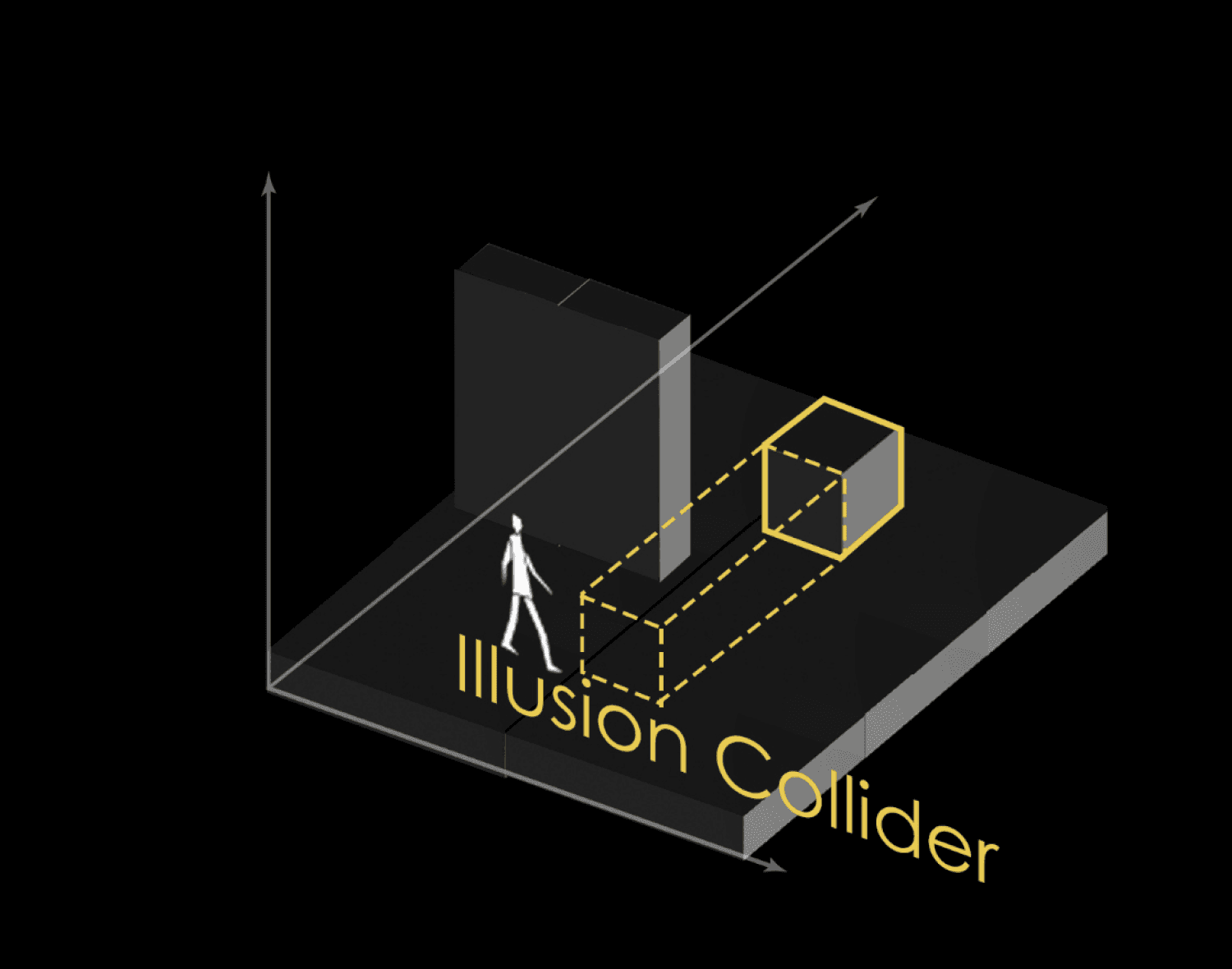
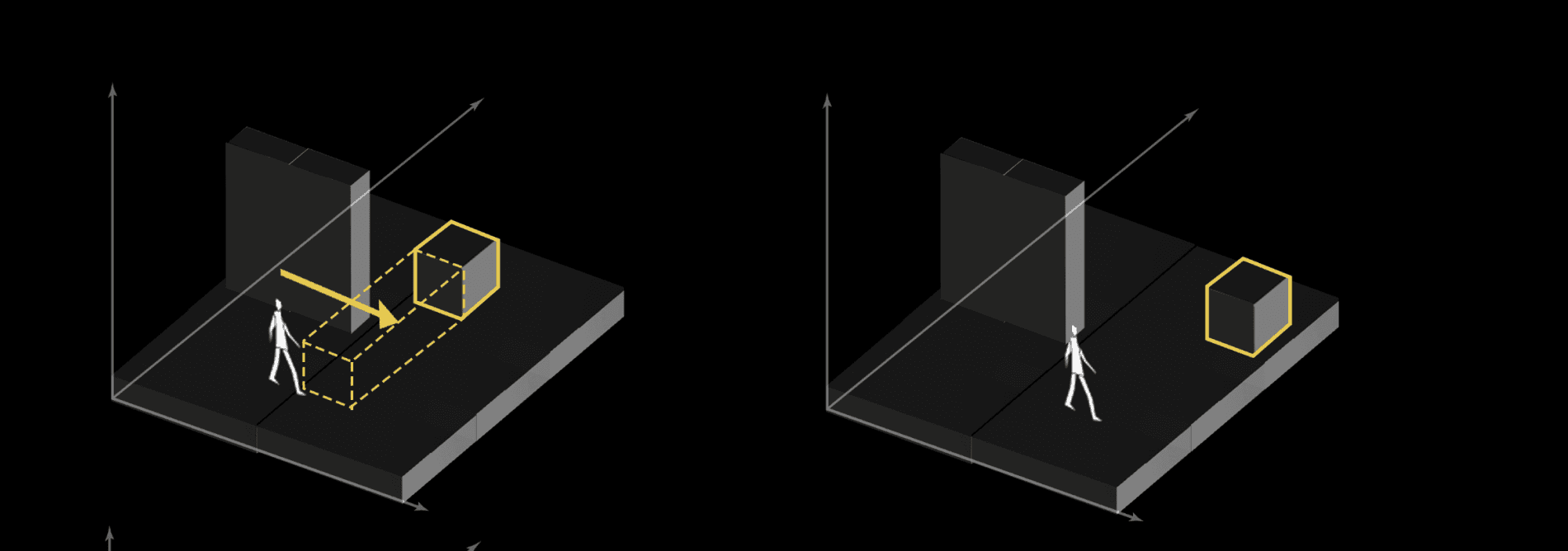
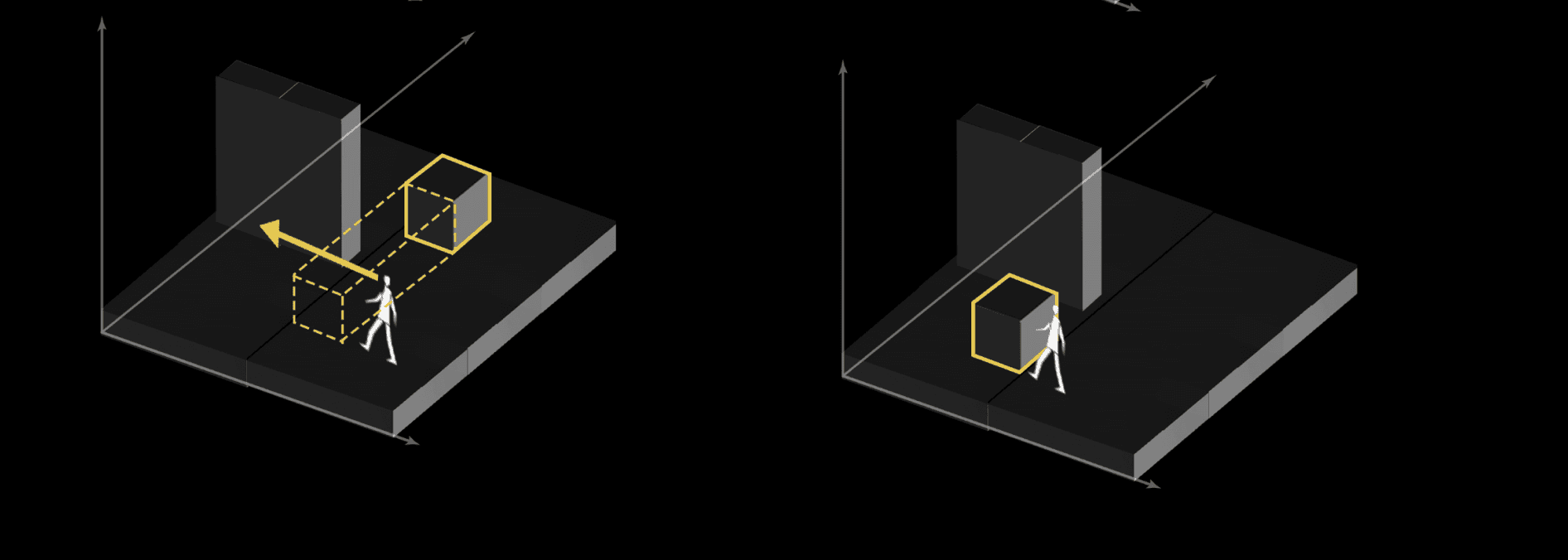

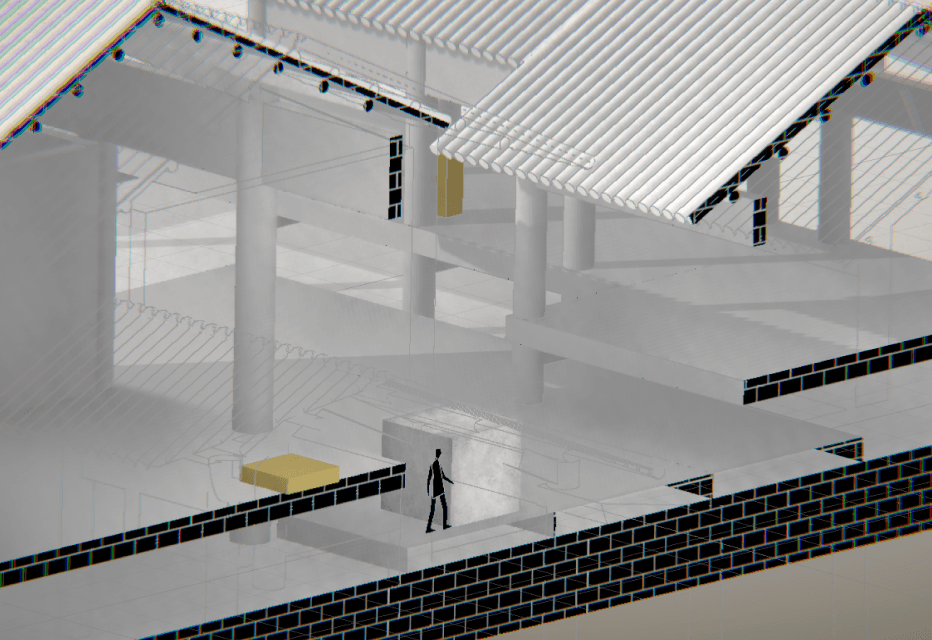
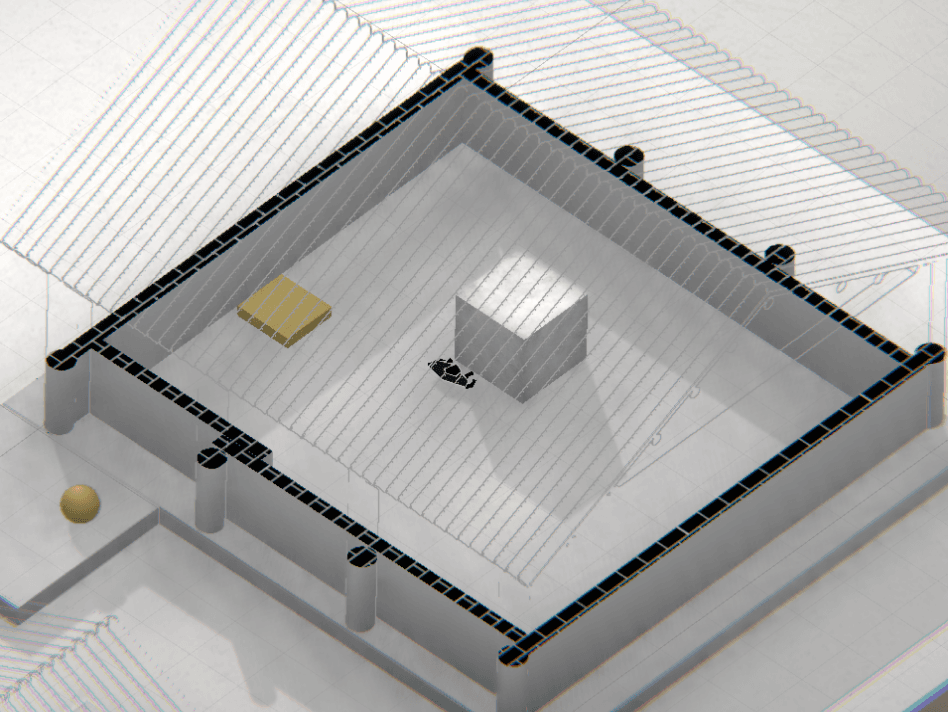
Apart from the gameplay involving interactive objects and enemies themselves, everything becomes even more intriguing in depth illusions.
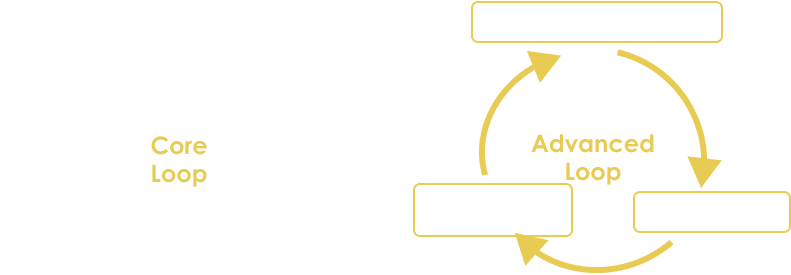
Core and Advanced Loop
Interactables and Enemy
Players can push boxes distantly, utilize illusion to block or move away enemies, or even have enemies activate switches from afar to open doors for you. Basic or magic, friend or foe, it’s all up to you.
Movable Switch
Press “E” to open/close the door, the switch could also be moved to meet certain need in depth illusion. Could be pressed from afar in depth illusion
Press Switch
Only activated when player / box / enemy stands on it, which has a lot of potential in gameplay. Could also be pressed from afar in depth illusion
Movable Box
Can be pulled / pushed to activate switches. Illusion also applied, you can pull it to a farther platform or from afar to near you.
Elevator
Press “E” to change height. Player can get on it from afar, and it can also move enemies to where player want them to be.
Moving Platform
Constantly moving, could be in one direction or spinning. Mind the timing when jumping on them. Illusion applied and can also move enemies.
Enemy
When player is in their territory, they patrol and attack. Game over when being touched. However, their behavior pattern is easy to learn and be empolyed.
Game Flow
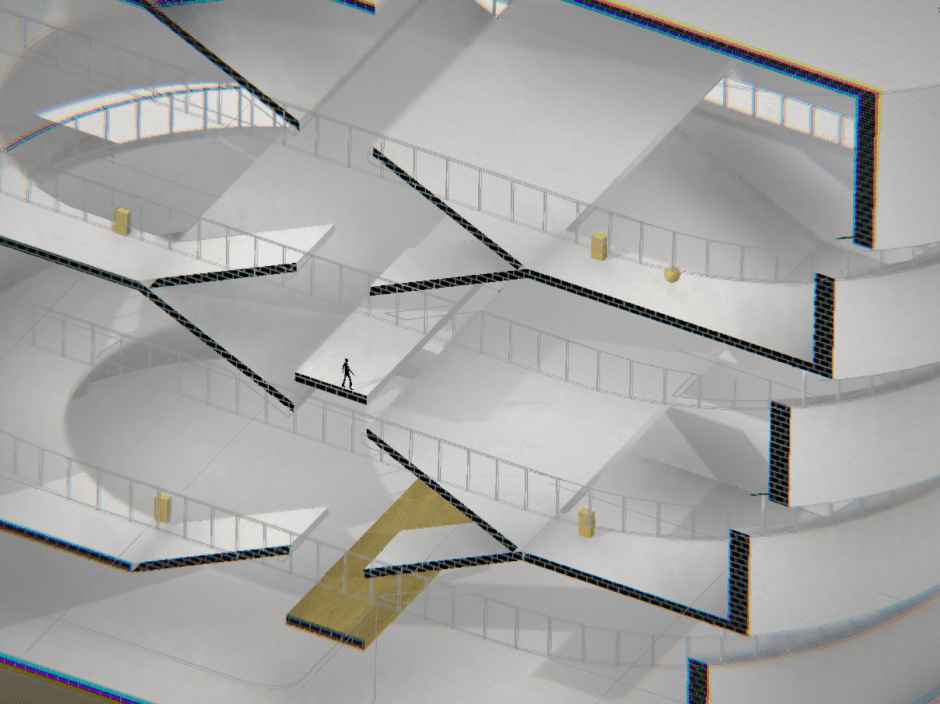
Level Components: Elements in Levels
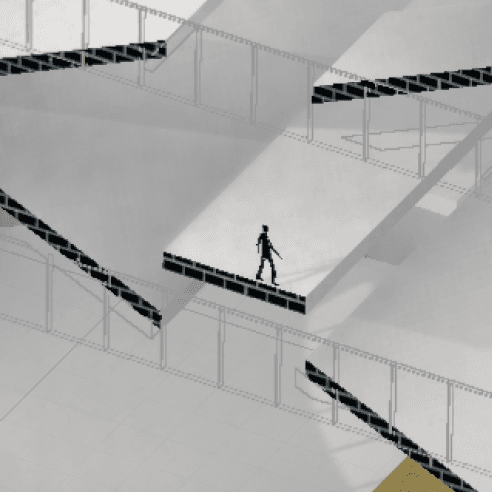
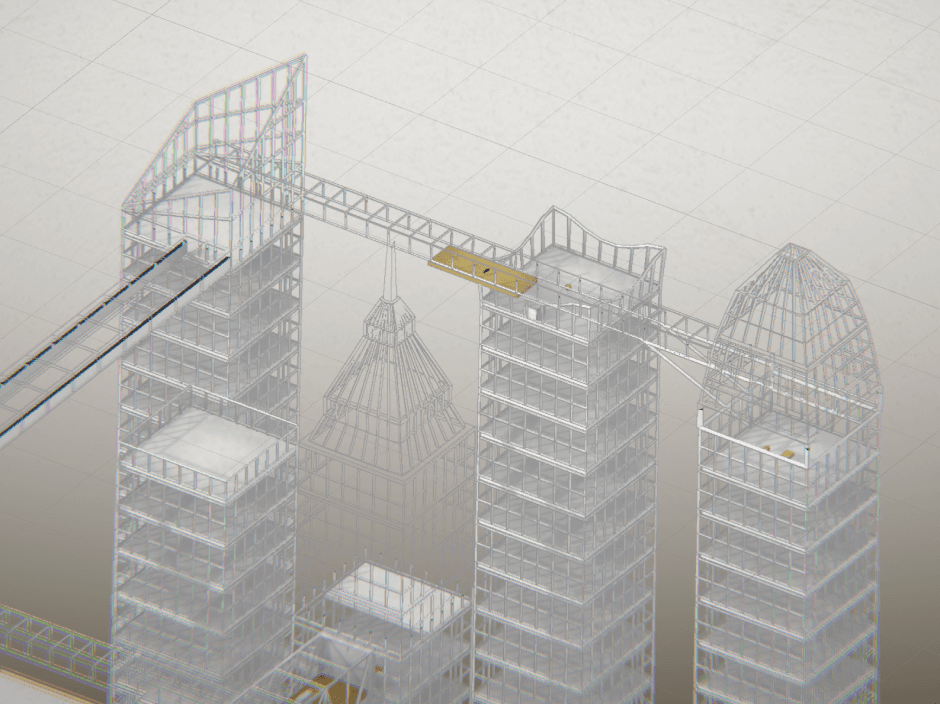
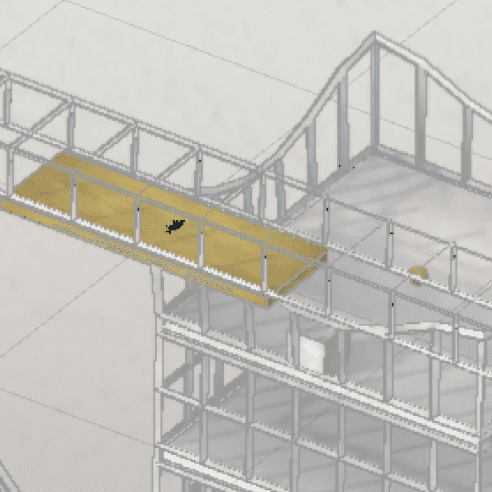
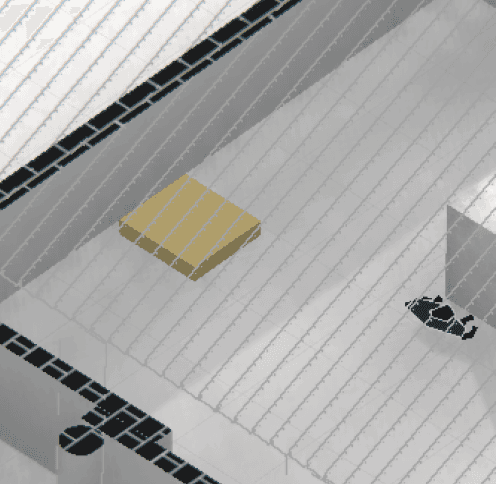
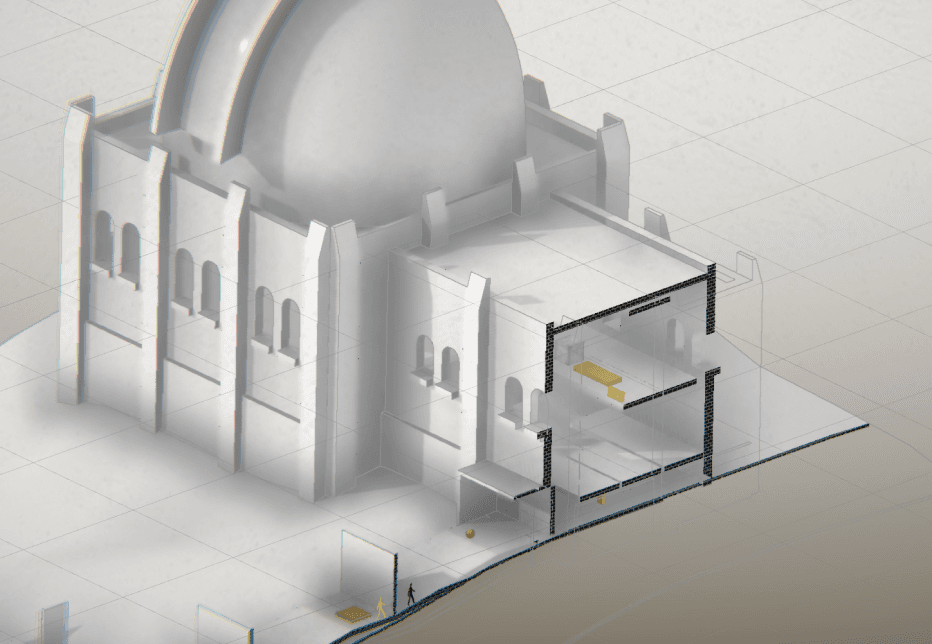
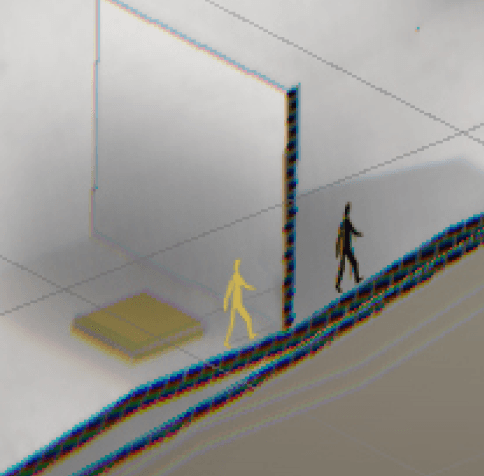
Utilize illusion to block enemy
Utilize enemy to press button switch
No enemy
1
2
3
4
5
6
No enemy
No enemy
Utilize illusion to block enemy,Utilize enemy to press button switch, use movable platform to move enemy
Utilize enemy to press button switch, use movable platform to move enemy
Interactables: Movable Wall
Interactables
Enemies
Keys
Interactables: Door Switch, Movable Switch
Interactables: Press Switch, Movable Box
Interactables: Press Switch, Spinning Platform, Movable Box
Interactables: Press Switch, Moving / Spinning Railcars, Movable Box
Difficulty / Challenge
Time/ Experience Accumulated
Level 1
Level 2
Level 3
Difficulty Leap
Add Movable Box
Enemy
Enemy as Tool
Difficulty Summit in each level
Level 4
Level 5
Level 6
Interactables: Press Switch, Moving Elevator
Level Arrangement: Progression in Levels
Difficulty Curve
This progression provides more challenges for players who become increasingly capable of the playing.
With more challenging machanics of interactables and enemy, the difficulty progresses.
In level3, the use of box in different views is the first difficulty leap. With enemy introduced, another leap occurs in level 4 & 5.
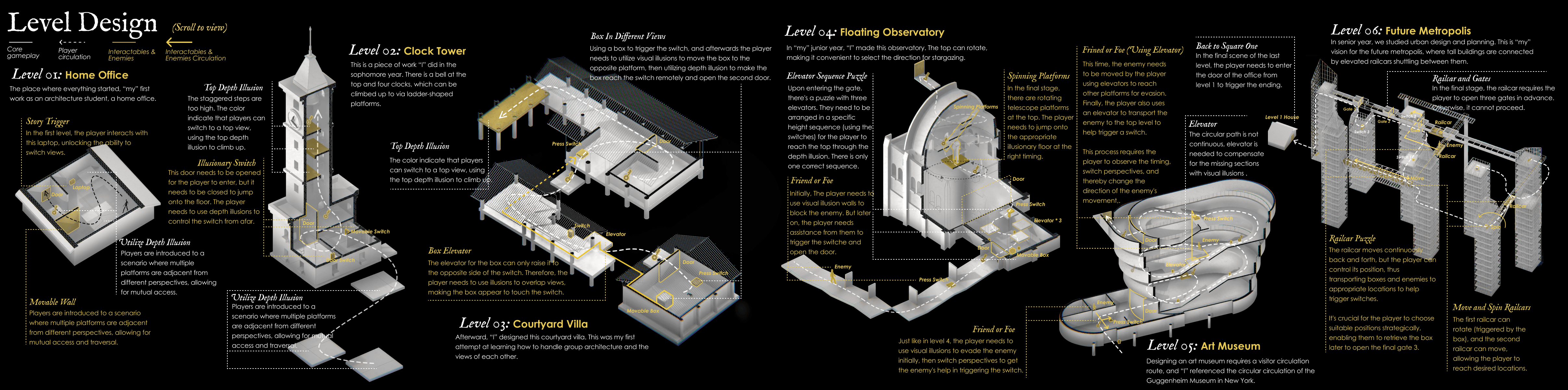
According to the background story, each level is an architecture project designed by the player themselves, acting as an architect.
As levels progress, the levels become more complex and expansive, symbolizing the player's growth as an architect.
Art Realization
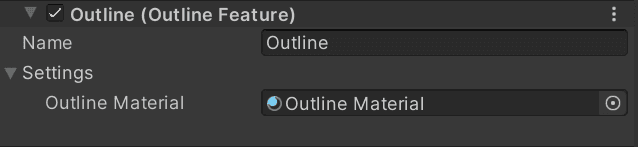
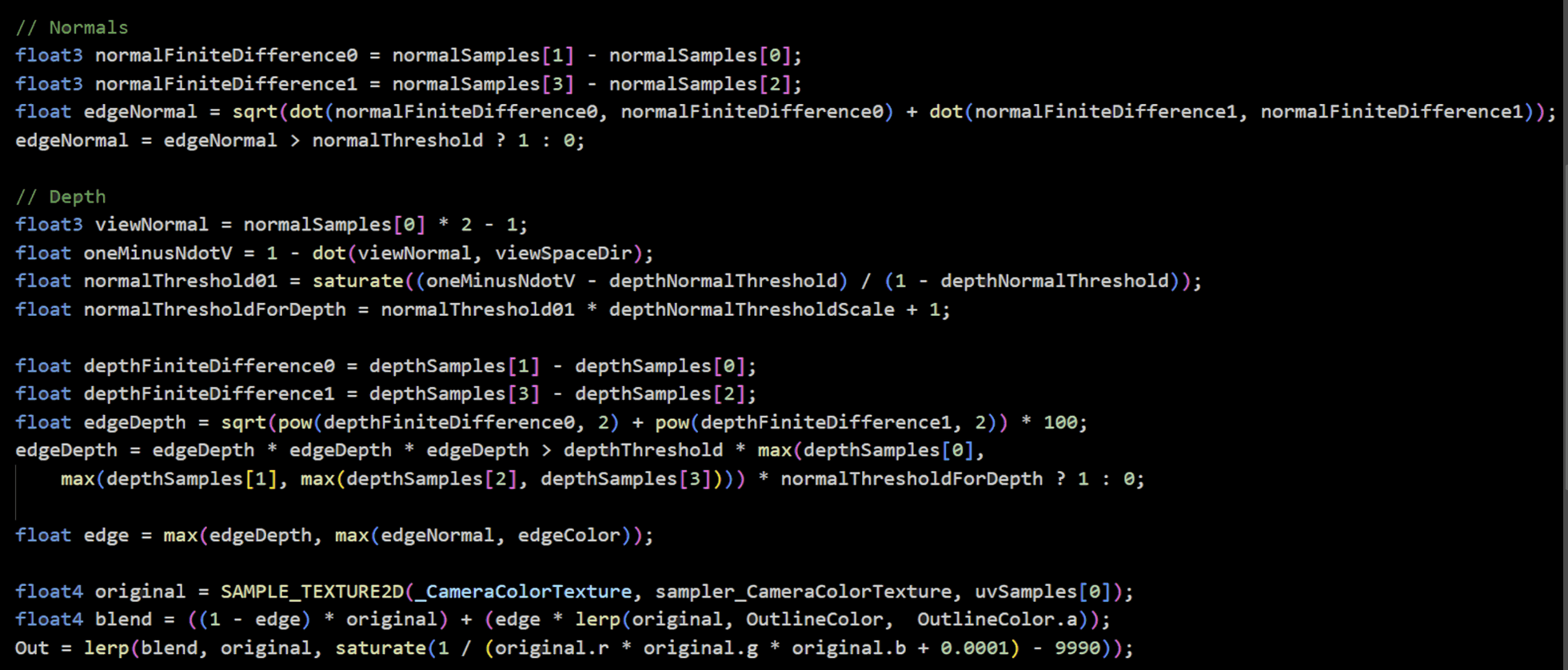
Outline Effect: URP Scriptable Renderer Feature
Render accurate outline edges for various objects, with adjustable thickness, color, and other parameters.
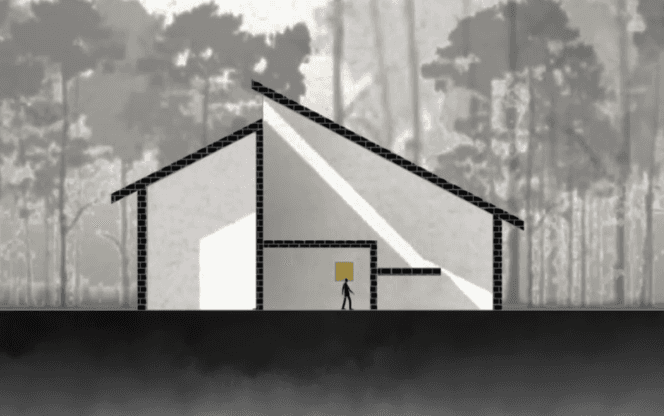
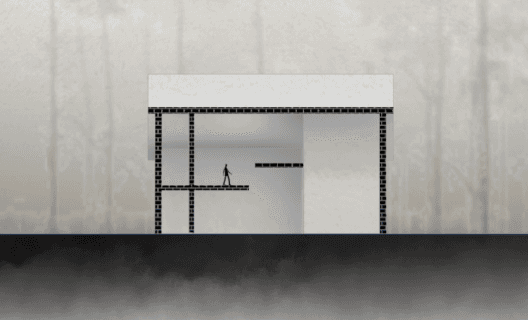
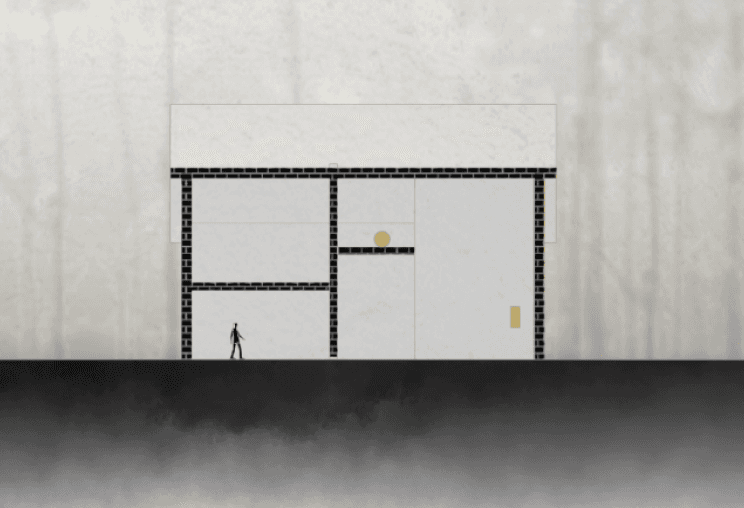
Based on the concept and the background story of the game. The objective of art is to create architectural blueprints with a painterly style similar to the reference image.
By looking into some reference work, it is concluded that outline, section cut fill and effect like ambient occlusion should be applied to the art style, and environment settings need to crate a sense of depth.
Generate outline based on sharp changes in depth and normals, and introduce thresholds based on screen space characteristics.
URP renderer feature
Outline Effect
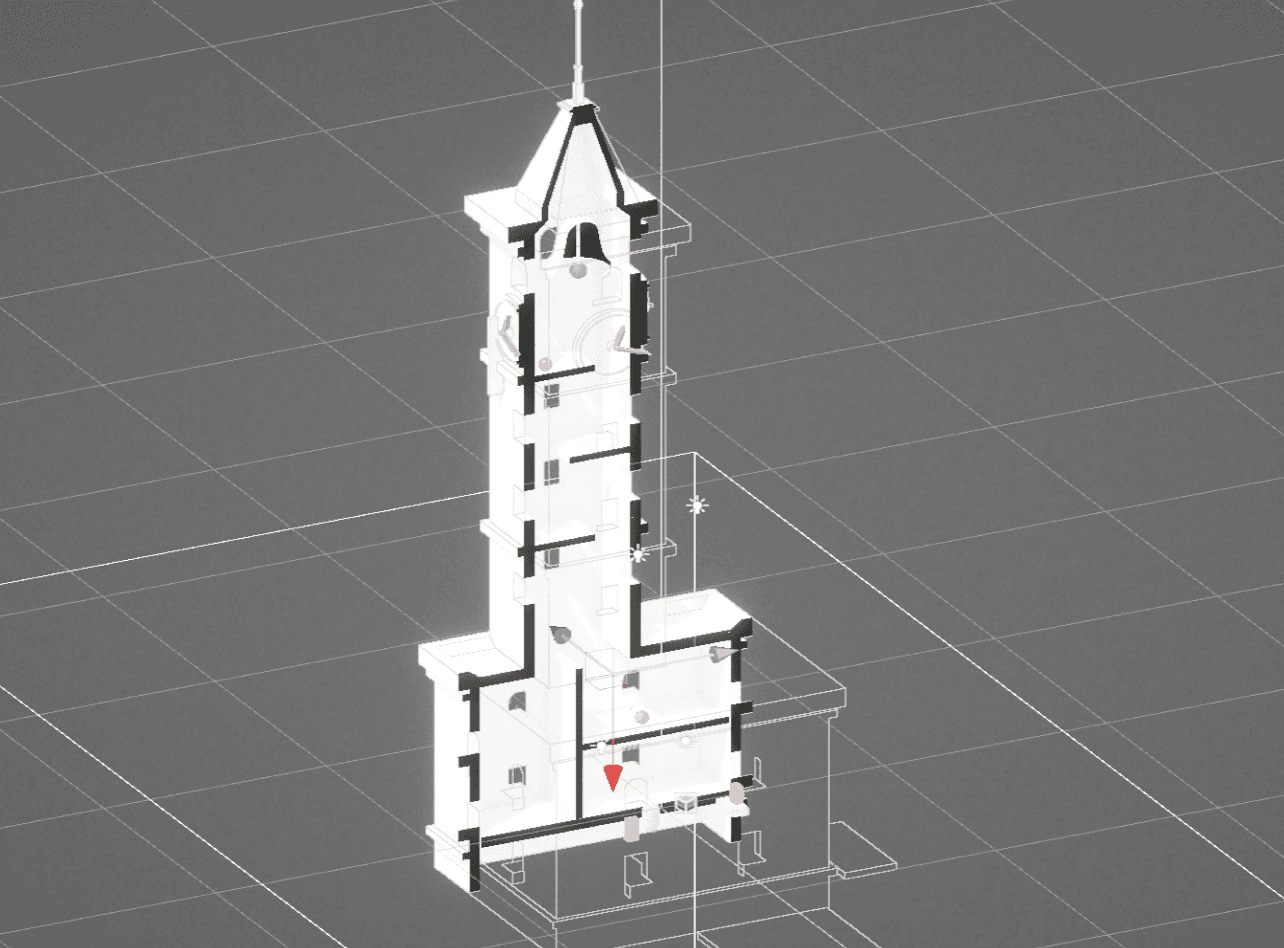
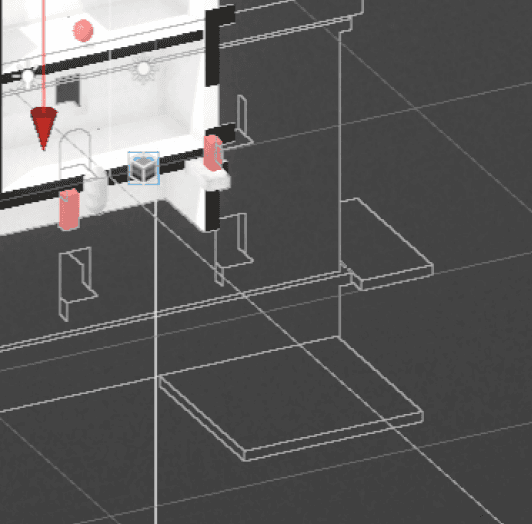
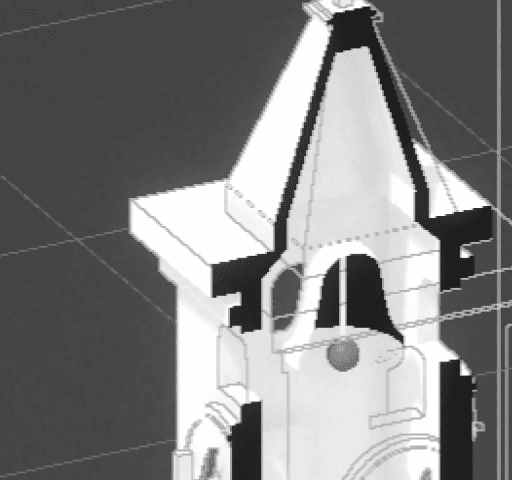
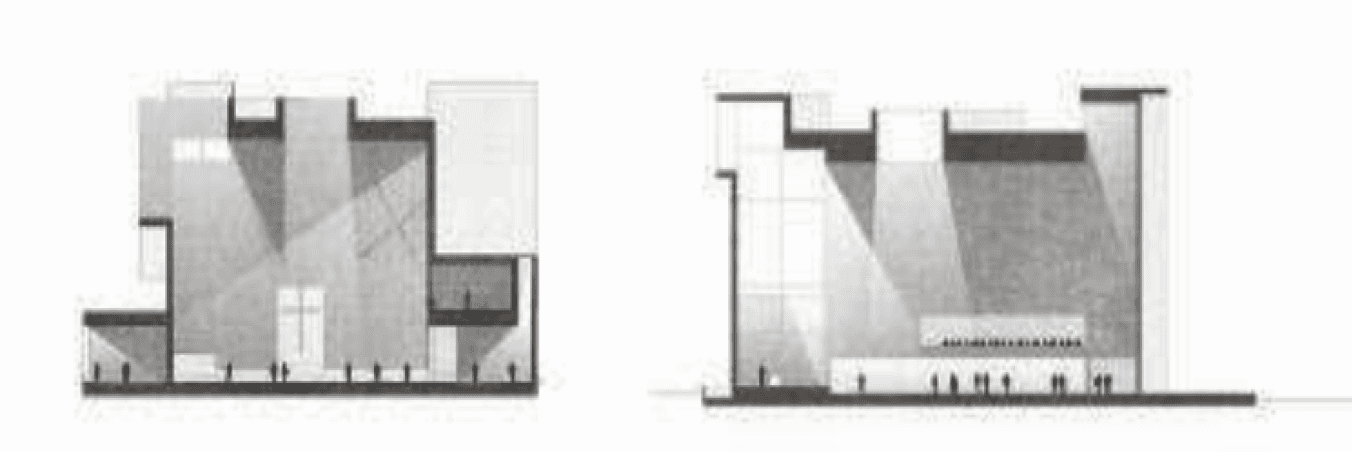
Part of the References
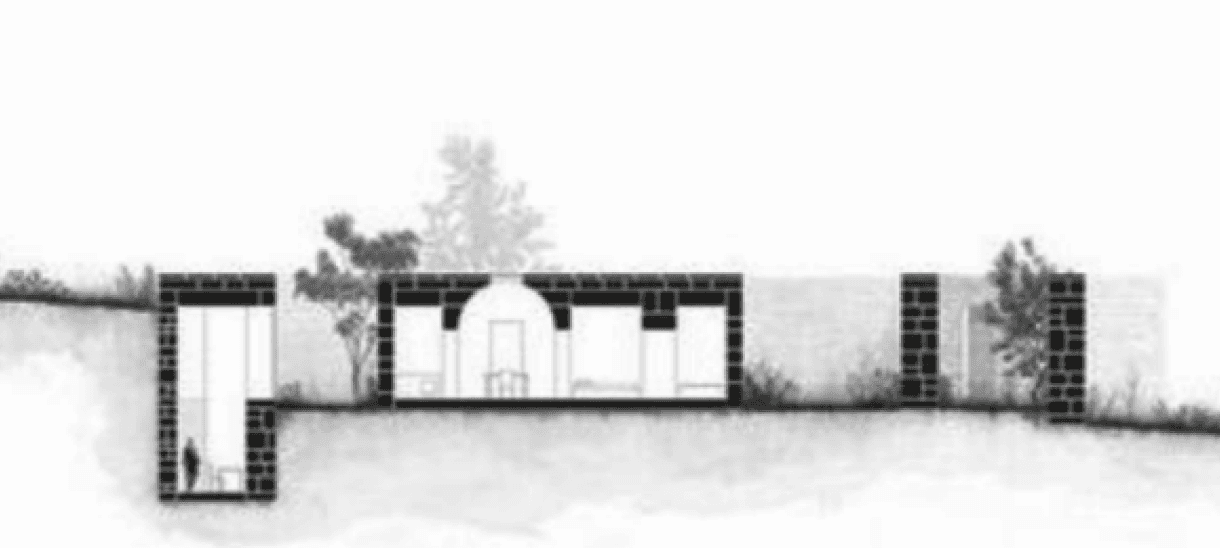
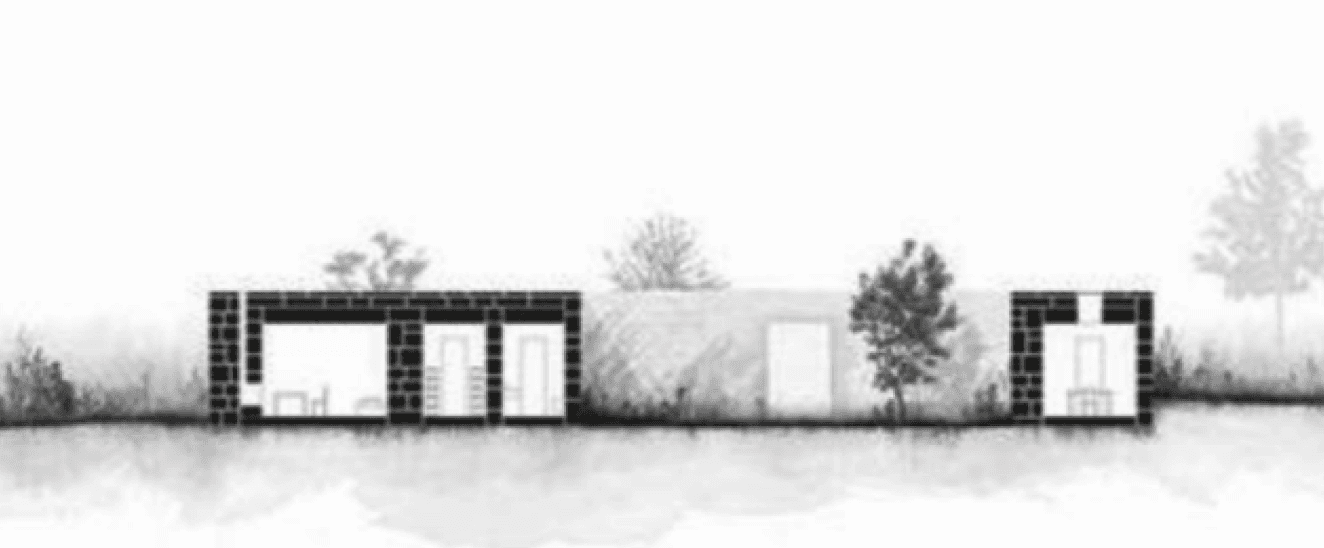
Art Style and References: Architecture Drawing with Painterly Style
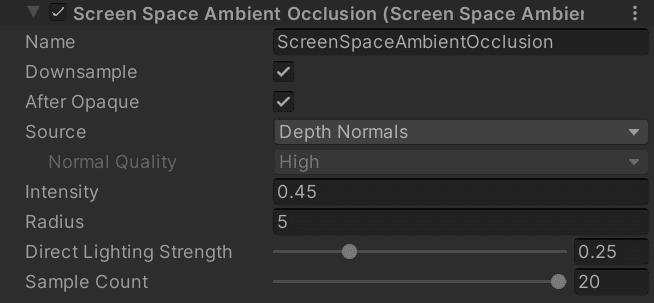
Ambient Occlusion: Renderer Feature
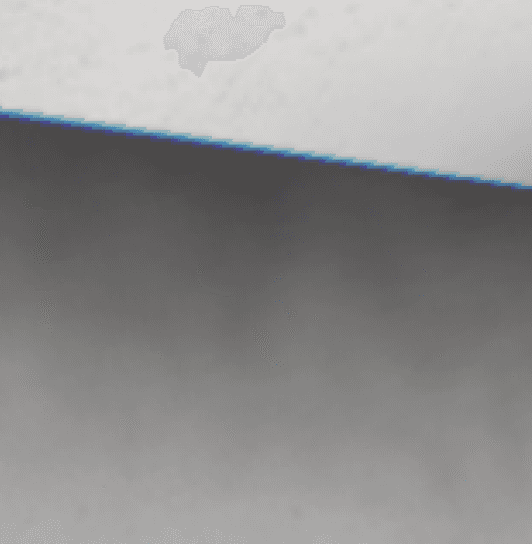
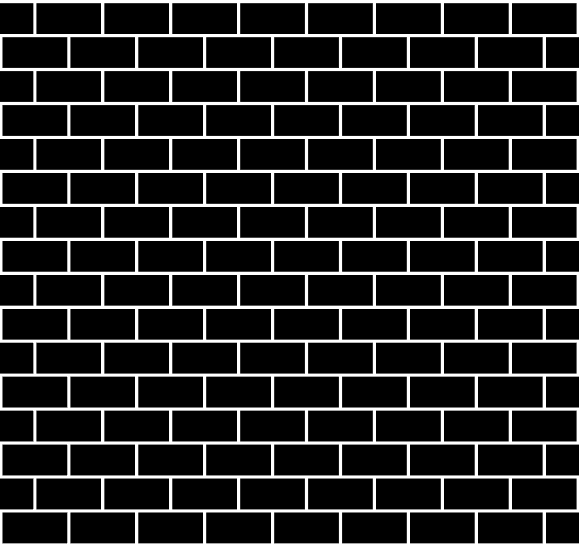
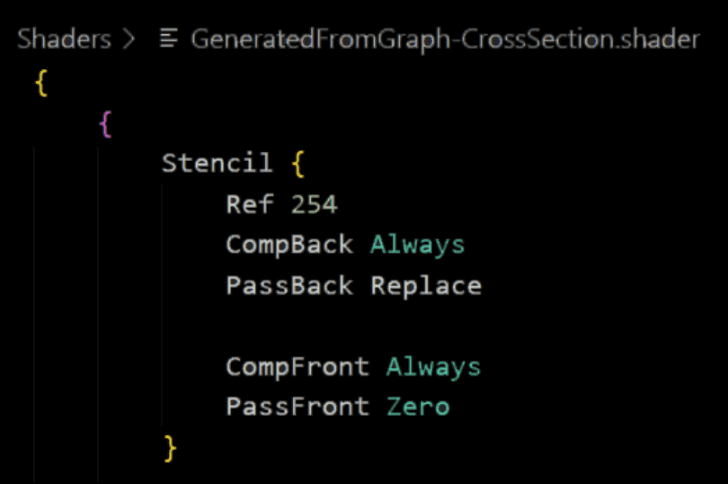
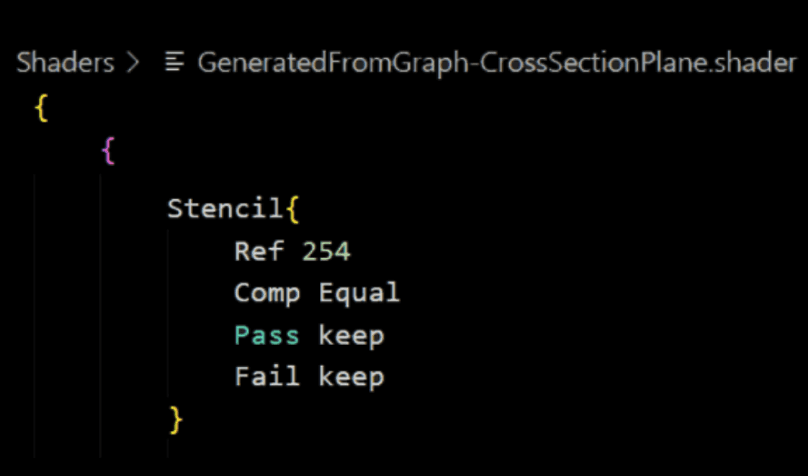
Section Cut and Fill: Clip & Stencil Buffer
Environment Setting: Feeling of deapth
Fill the section area with arbitrary patterns, which may vary at different objects (e.g., for walls, floors, and endpoint doors).
Clip the part behind the section plane
Without SSAO
With SSAO
SSAO in urp renderer feature
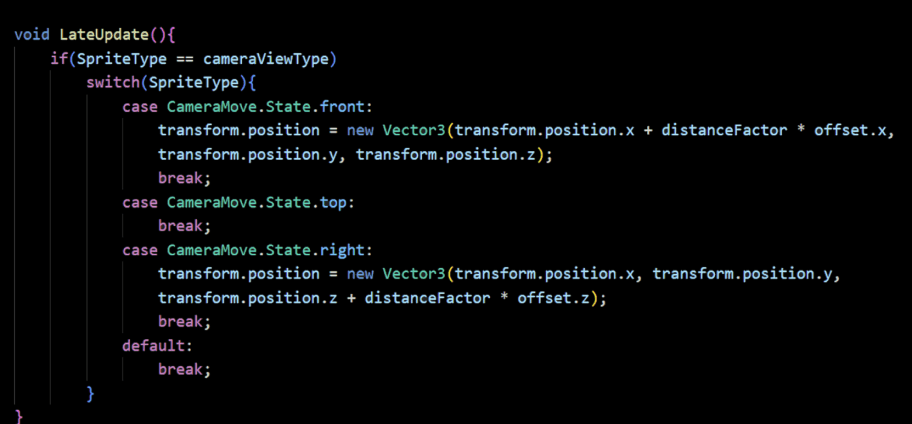
Script sample
Move with camera
Move slowly
with camera
Stationary
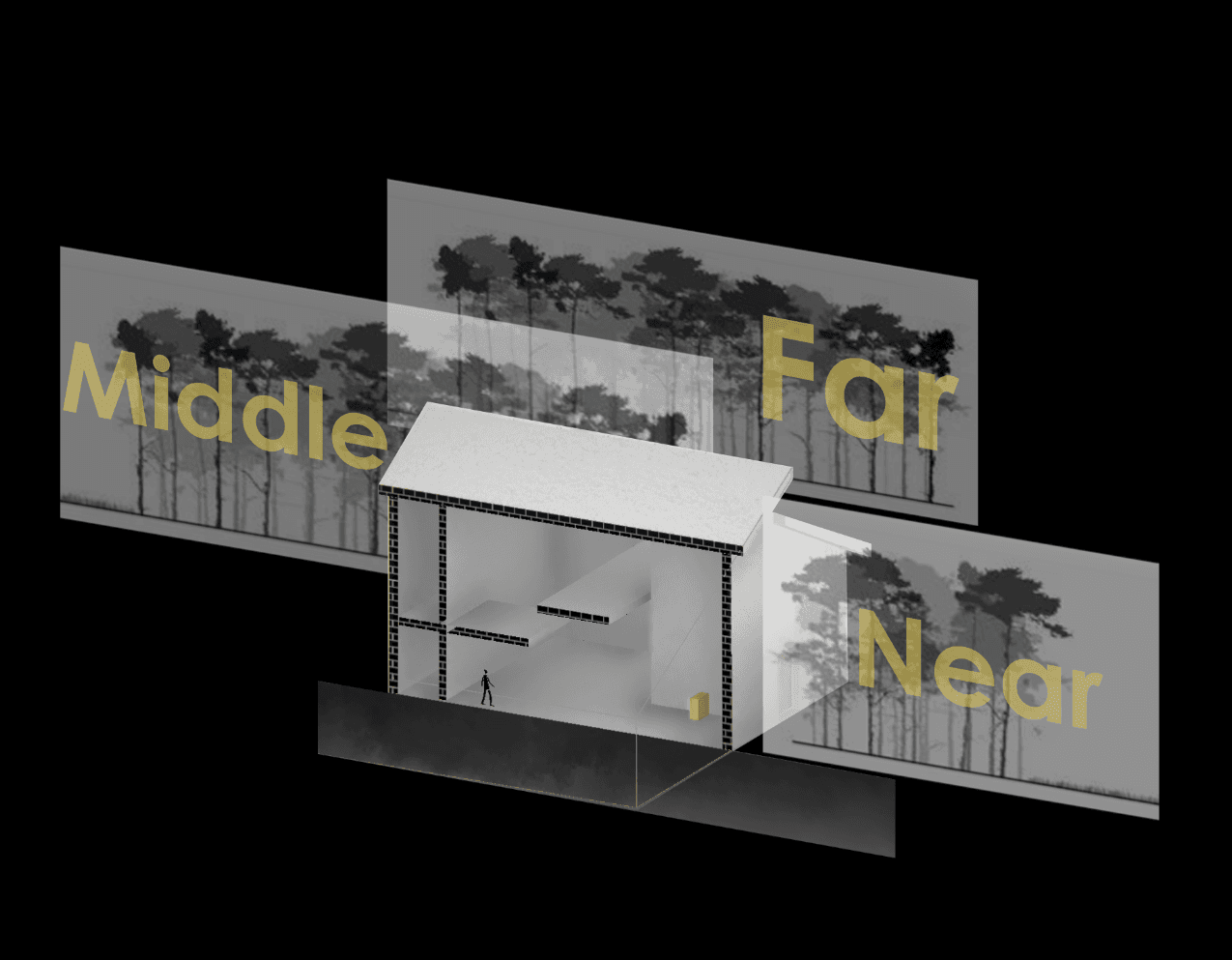
Make the 2D environment assets of closer distance move faster than the fartuer as if they really are closer.
Add simulated indirect shadows make the rendering look more natural and real
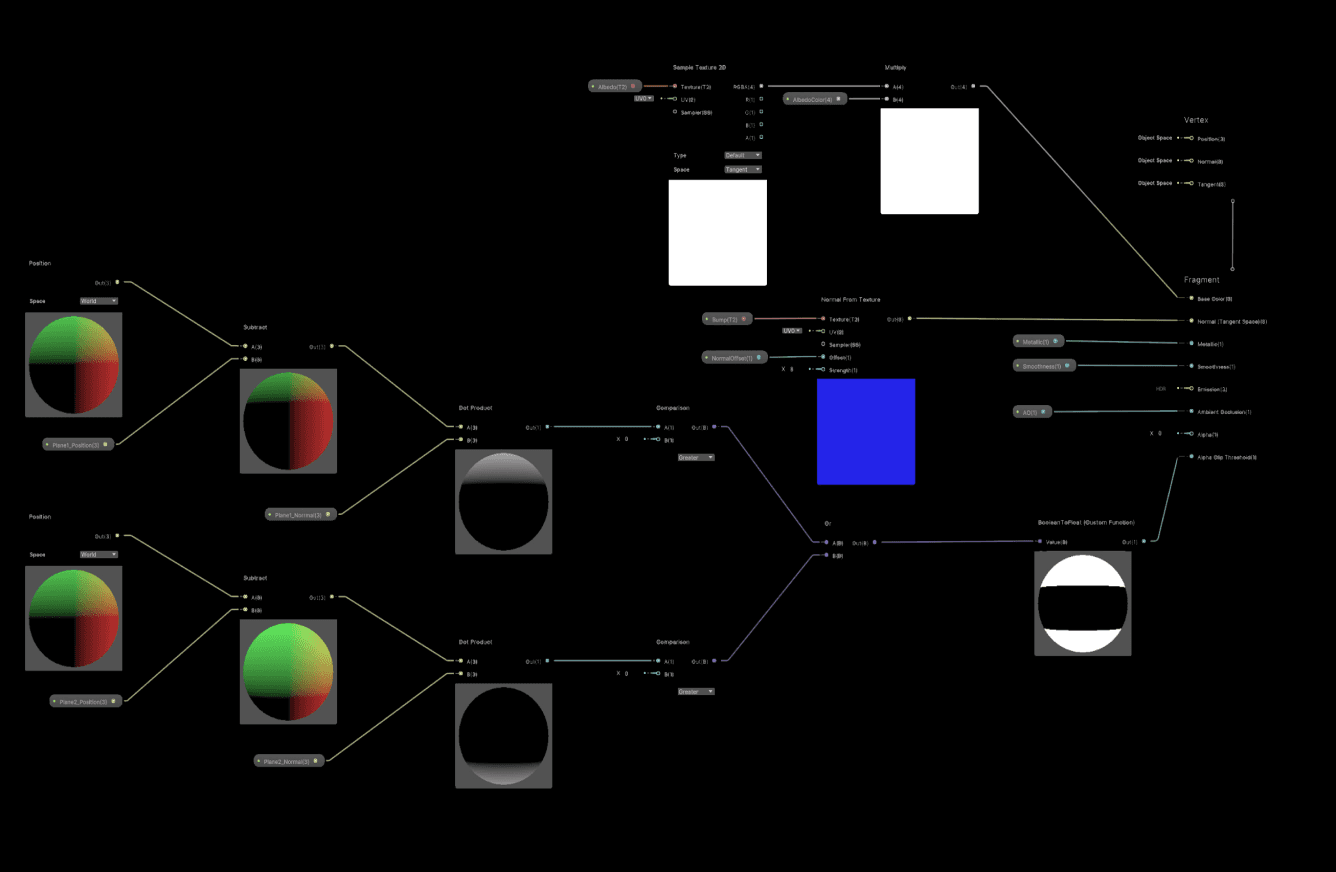
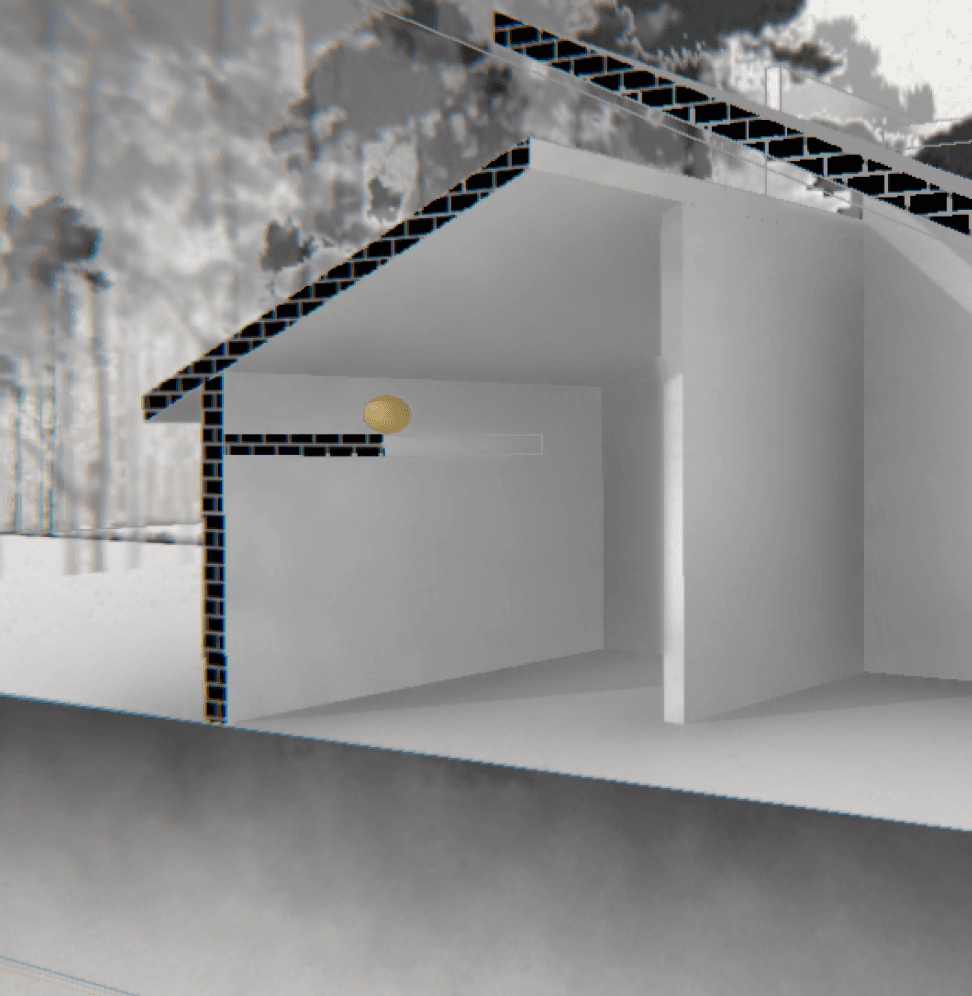
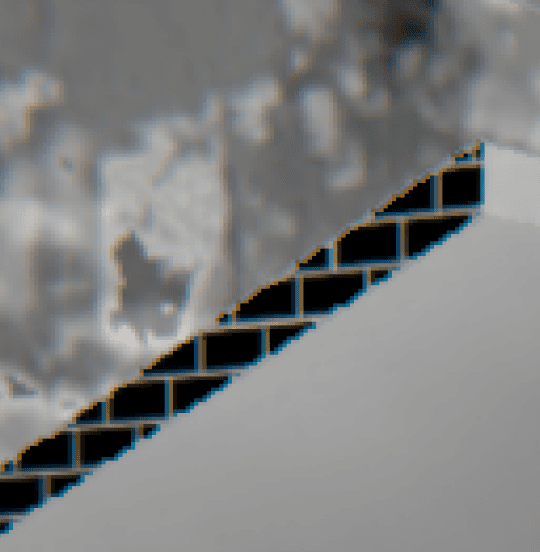
Stencil Buffer for section fill
Section fill and textures

Playtests
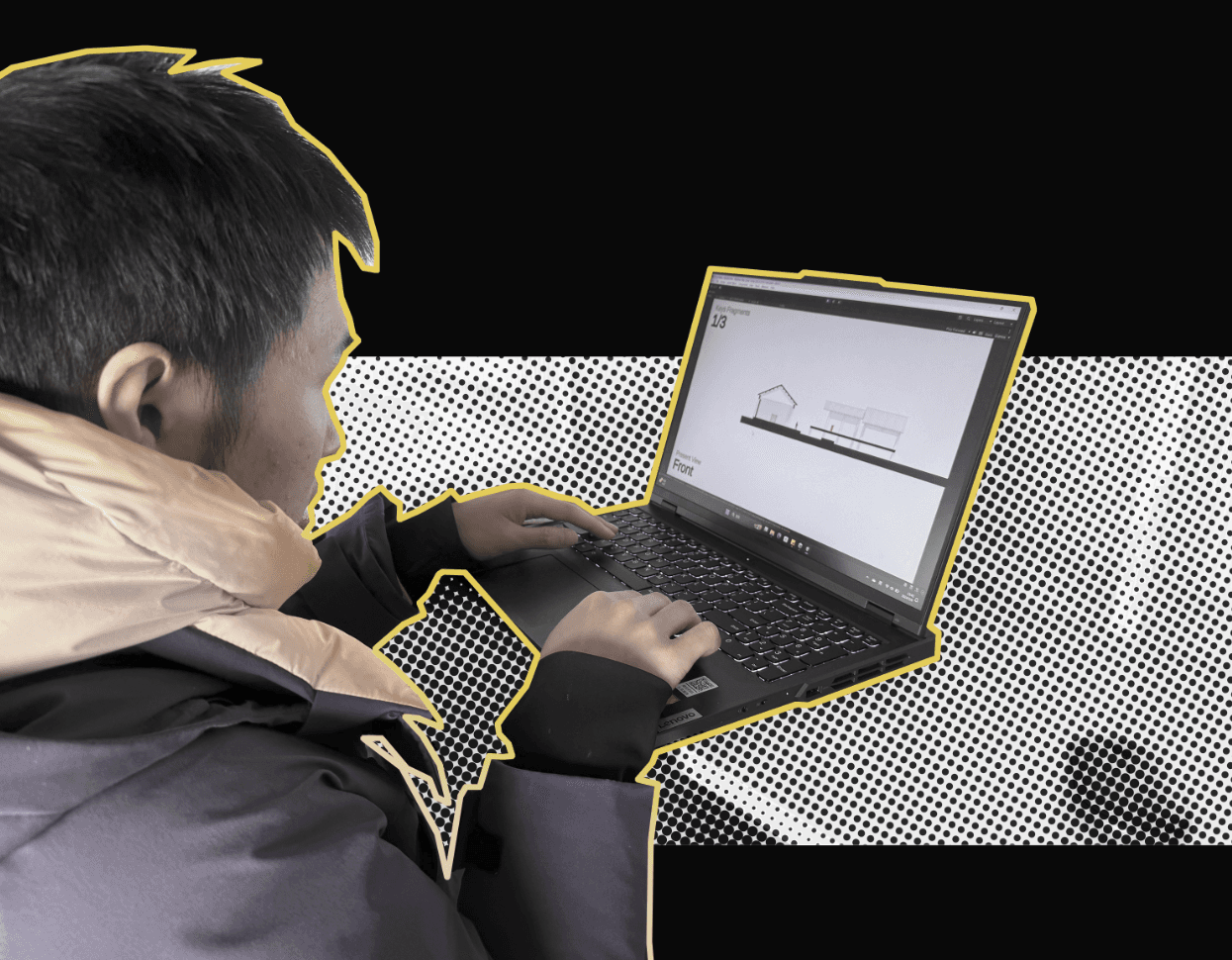
KY Shen, nintendo game lover
JW Yan, AAA game lover
J Peng, MOBA game lover

First period: Gameplay playtest
Second period: Level design playtest
Third period: Game flow playtest
Feedback: lack of smoothness in transition between views, bug of movable box encountering depth illusion
Improvement:
Adjusted the blend function of the projection matrix because the changes in the projection matrix were not linear
Add machnics to Movable box: when dragged by player, it won’t go behind walls and added “return machanics” (if a box is not in illusion pos, it return to the original position)
Feedback: lack of immersion in the back ground stories, a mode for choosing levels could be provided, the count of keys could have progression between levels, revival machanics and restart mode should be introduced after player falling.
Improvement:
Added background story context to the beginning of each levels
Provided a mode of choosing levels at the start interface
Rearrange the count of keys in each levels, and revival / restart machanics implemented
Feedback: lack of a full view of bigger levels, lack of navigation for certain parts in some levels, small bugs for enemies in certain levels.
Improvement:
Adjust the ortho camera size to fit the size of each level map.
Adjust the positions of keys and colored them to make them serve as indicators about where the players should go
fixed small bugs (the whole system is complex, by fixing small bugs, the whole depth illusion system becomes more robust)